Graphic tutorial: Conduct a safety check on the AI environment, and then run the first large model locally图文教程:给AI环境做一次安全体检,再在本地跑通第一个大模型
Combining the two tools added to the database today, I will teach you step by step to first scan the security risks of the AI environment, and then use llmfit to run the large model locally with one command.
结合今日入库的两款工具,手把手教你先扫描AI环境的安全风险,再用 llmfit 一条命令在本地跑通大模型。
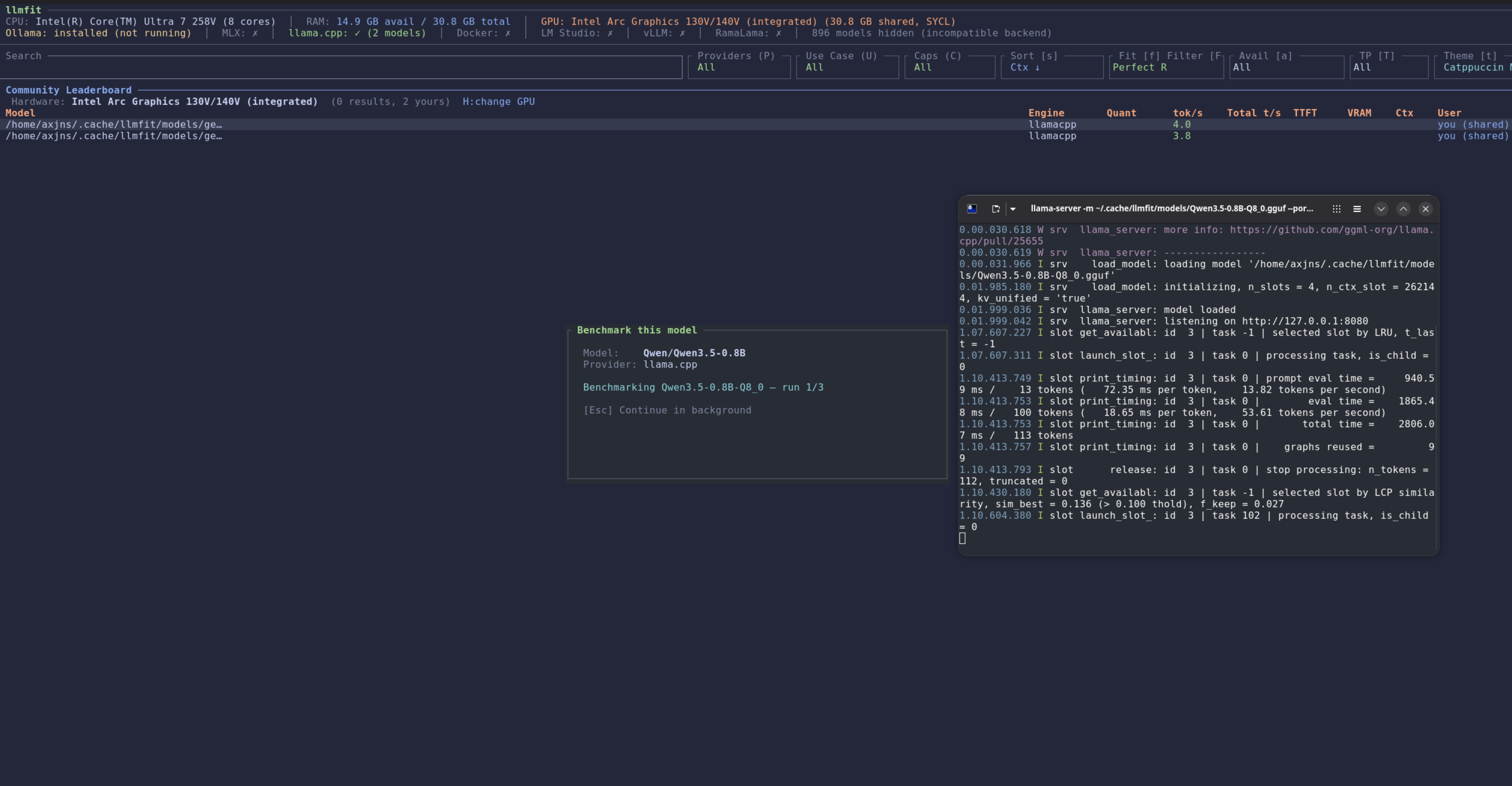
Step 1: Download and unzip AI-Infra-Guard第一步:下载并解压 AI-Infra-Guard
Go to the "AI Tools" column of this site to find the AI-Infra-Guard article, and click the green button to download the official complete package (4.6MB).
After decompression, there are executable files for each platform in the directory, and there is no need to install any dependencies.
到本站「AI工具」栏目找到 AI-Infra-Guard 文章,点绿色按钮下载官方完整包(4.6MB)。
解压后目录里有各平台的可执行文件,无需安装任何依赖。
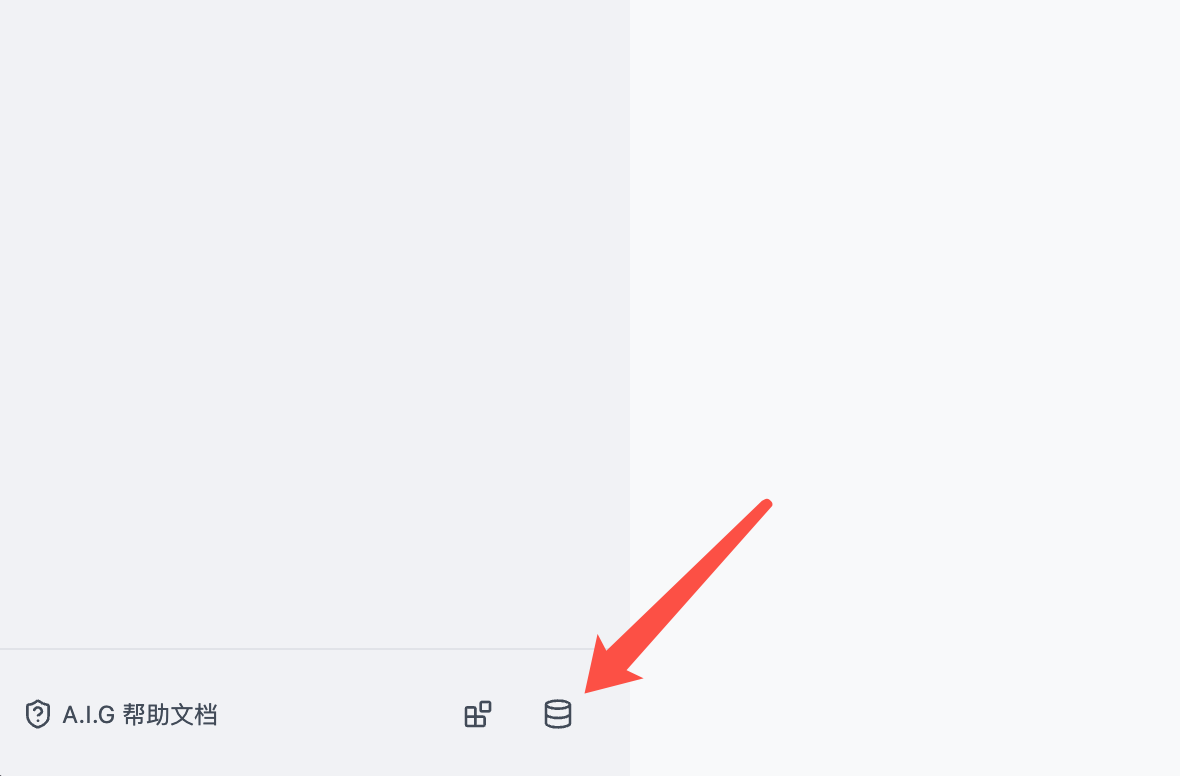
Step 2: Scan your AI environment第二步:扫描你的AI环境
Open a terminal in the unzipped directory, run the scan command and specify your AI service address (such as the local MCP server port).
When the scan is completed, focus on items marked as high risk: unauthorized access, jailbreak risks, and outdated components. Follow the prompts to fix them one by one and then scan again to confirm.
在解压目录打开终端,运行扫描命令并指定你的 AI 服务地址(比如本地 MCP 服务器端口)。
等扫描结束,重点看标记为高危的项目:未授权访问、越狱风险、过旧组件,按提示逐项修复后复扫一遍确认。
Step 3: Use llmfit to find a model that your computer can run第三步:用 llmfit 找到你电脑能跑的模型
Go to the "AI Tools" section to download the llmfit Windows version (5.3MB), and unzip it to get llmfit.exe.
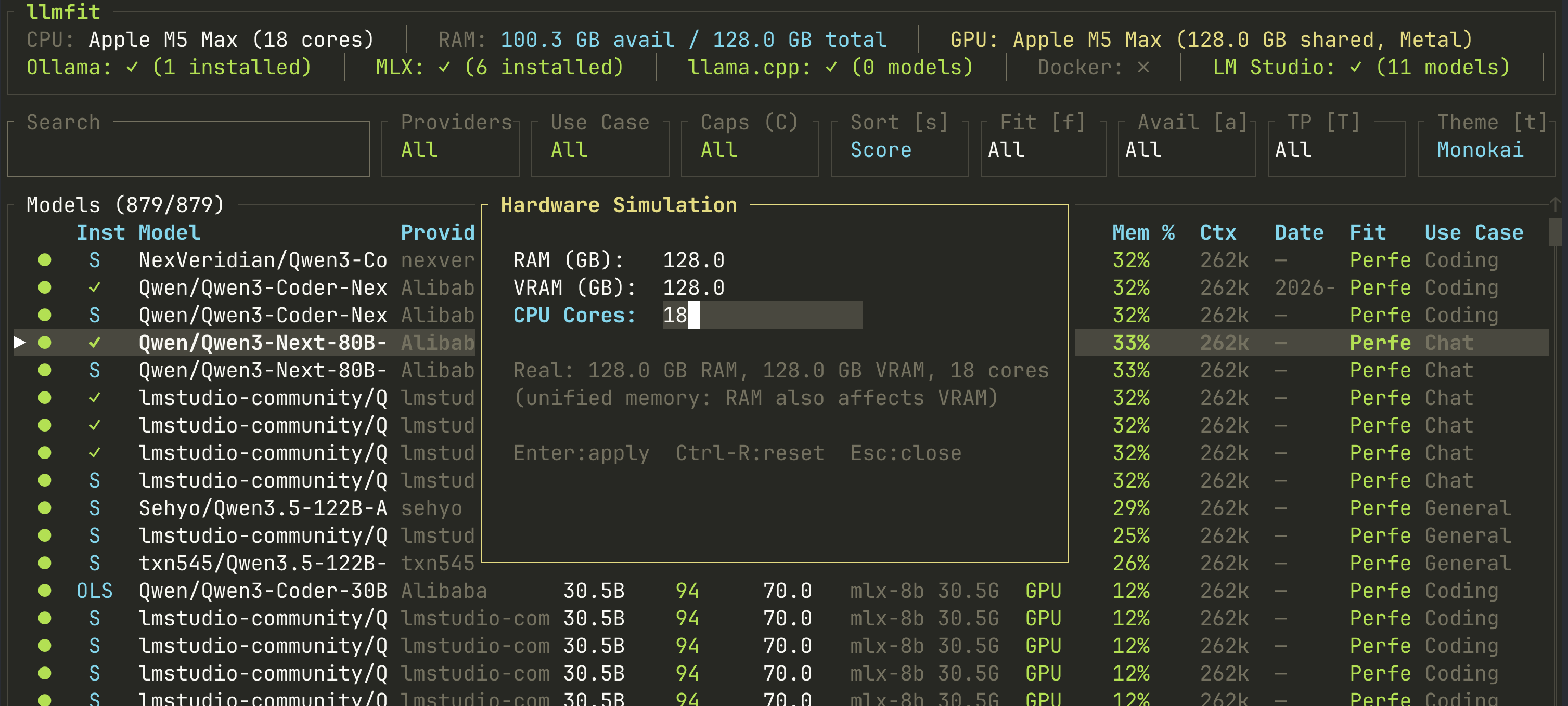
Open a terminal in its directory, type llmfit and press Enter. The tool will list your hardware configuration and recommended model list, along with the estimated generation speed.
到「AI工具」栏目下载 llmfit Windows 版(5.3MB),解压得到 llmfit.exe。
在它的目录打开终端,输入 llmfit 回车,工具会列出你的硬件配置和推荐模型清单,附预计生成速度。
Step 4: Run through the first large local model第四步:跑通第一个本地大模型
Select a model of suitable size from the recommended list (newbies recommend a quantized version of around 7B), copy the startup command given by the tool and execute it.
After the model is downloaded, you can have a local offline conversation; if you are not satisfied with the speed, change to a smaller quantized version. Security scanning + local model can be done in one afternoon.
从推荐清单里挑一个体积合适的模型(新手建议 7B 左右的量化版),复制工具给出的启动命令执行。
等模型下载完成后,就可以在本地离线对话了;速度不满意就换小一号的量化版本。安全扫描+本地模型两件事,一个下午就能全部搞定。
Notes使用提醒
This article is compiled from public sources and ships with the matching resource. Product features and pricing are subject to the official page. Resources are for learning and exchange only — please respect the original license.
本文整理自公开资料并附上配套资源;涉及产品的功能与价格以官方页面为准。资源仅供学习交流,请遵循来源许可。
本篇为图文教程,直接按步骤操作即可,无需下载文件。
阅读与点赞数据保存在你的浏览器本地,欢迎留下你的想法。
 今日正能量学一点,用一点;今天种下的种子,会长成明天的能力。去免费下载专区 →广告
评论 文明发言,让讨论更有价值