Graphic tutorial: five minutes to install the Caveman province token plugin, so that Claude Code can do more work with less nonsense图文教程:五分钟装好 Caveman 省 token 插件,让 Claude Code 少说废话多干活
Then do it again: unzip the plugin package and → run the installation script (or npx one-click) to→ restart the session to verify that the output is shorter and shifted → as needed. There is no need to change any model configuration during the whole process.
跟着做一遍:解压插件包 → 运行安装脚本(或 npx 一键装)→ 重启会话验证输出变短 → 按需调档位。全程不需要改任何模型配置。
Step 1: Get the plug-in package第一步:拿到插件包
Download this accompanying Caveman v4.0.1 full plugin package (zip, 8.79 MB) and extract it to a fixed directory containing the skills file, CLI, install.ps1/install.sh installation script and browser extension source code.
Users with a smooth network can also skip the decompression and run npx @ caveman-ai/cli @ latest directly, with the same effect. Requires Node.js 22.13 or higher, first use node -v to confirm the version.
The project is Apache-2.0 open source, 110,000 + stars, feel free to review the code and install it.
下载本文配套的 Caveman v4.0.1 完整插件包(zip,8.79MB),解压到一个固定目录,里面是技能文件、CLI、install.ps1/install.sh 安装脚本和浏览器扩展源码。
网络通畅的用户也可以跳过解压,直接跑 npx @caveman-ai/cli@latest,效果一样。要求 Node.js 22.13 以上,先用 node -v 确认版本。
项目是 Apache-2.0 开源,11 万+ stars,放心审代码再装。
Step 2: A command is loaded into all agents第二步:一条命令装进所有智能体
Windows users open PowerShell in the unzip directory to run.\ install.ps1; macOS/Linux to run./install.sh. The script automatically scans the local Claude Code, Codex, Gemini CLI, OpenCode, etc. configuration and lists the entries to be modified.
Press Enter to confirm and restart your agent session after installation is complete. After that, the normal startup of claude is already in Caveman mode, no additional settings are required.
For classmates who only want to use ChatGPT/Claude on the web, you can use the browser extension in the unzip package: on the Chrome extension page, select "Load the unzipped extension" and point to the extension directory.
Windows 用户在解压目录打开 PowerShell 运行 .\install.ps1;macOS/Linux 跑 ./install.sh。脚本会自动扫描本机的 Claude Code、Codex、Gemini CLI、OpenCode 等配置并列出将要修改的条目。
确认无误按回车,安装完成后重启你的智能体会话。之后正常启动 claude 就已经是 Caveman 模式,不需要额外设置。
只想给网页版 ChatGPT/Claude 用的同学,可以用解压包里的浏览器扩展:在 Chrome 扩展页选择「加载已解压的扩展程序」指向 extension 目录。
Step 3: Validate and File第三步:验证与调档
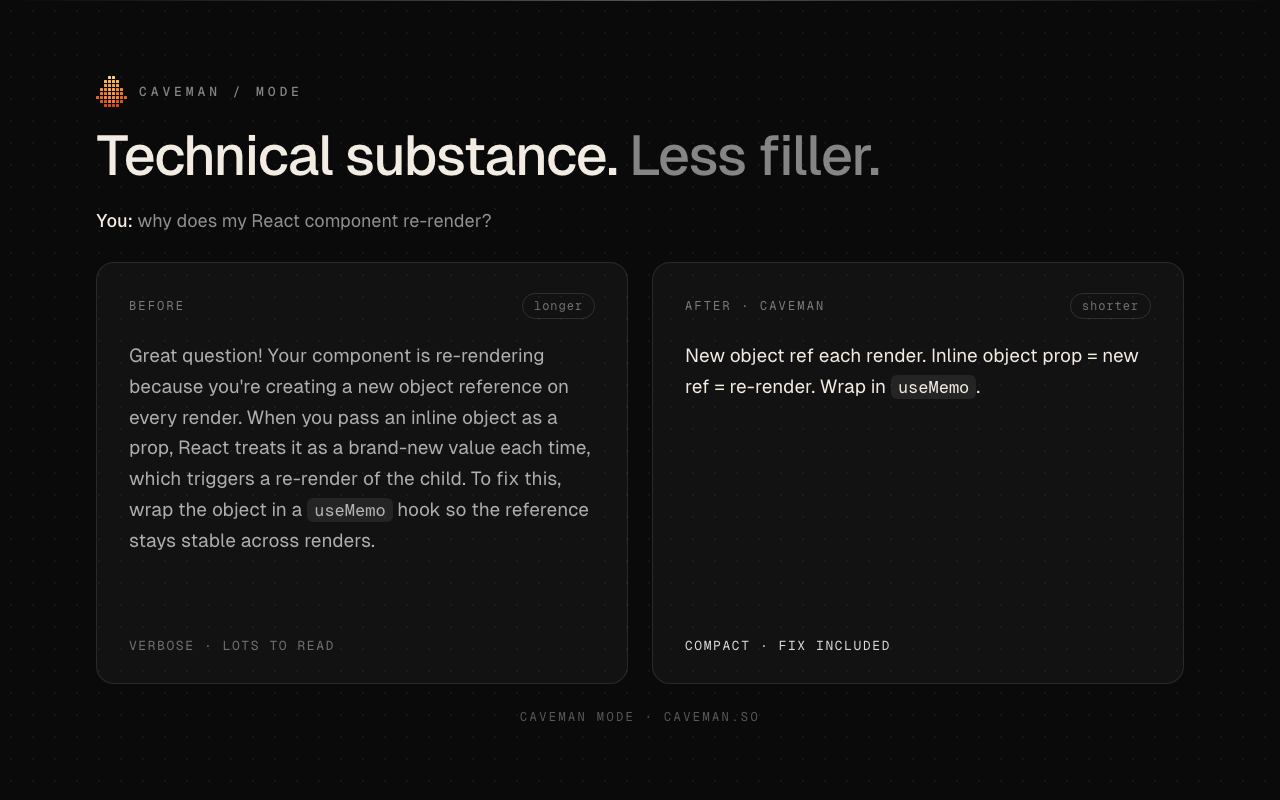
The new session asks a lot of usual questions, such as "Explain why the React component is being re-rendered". The answer should be significantly shorter, but the code and commands remain intact.
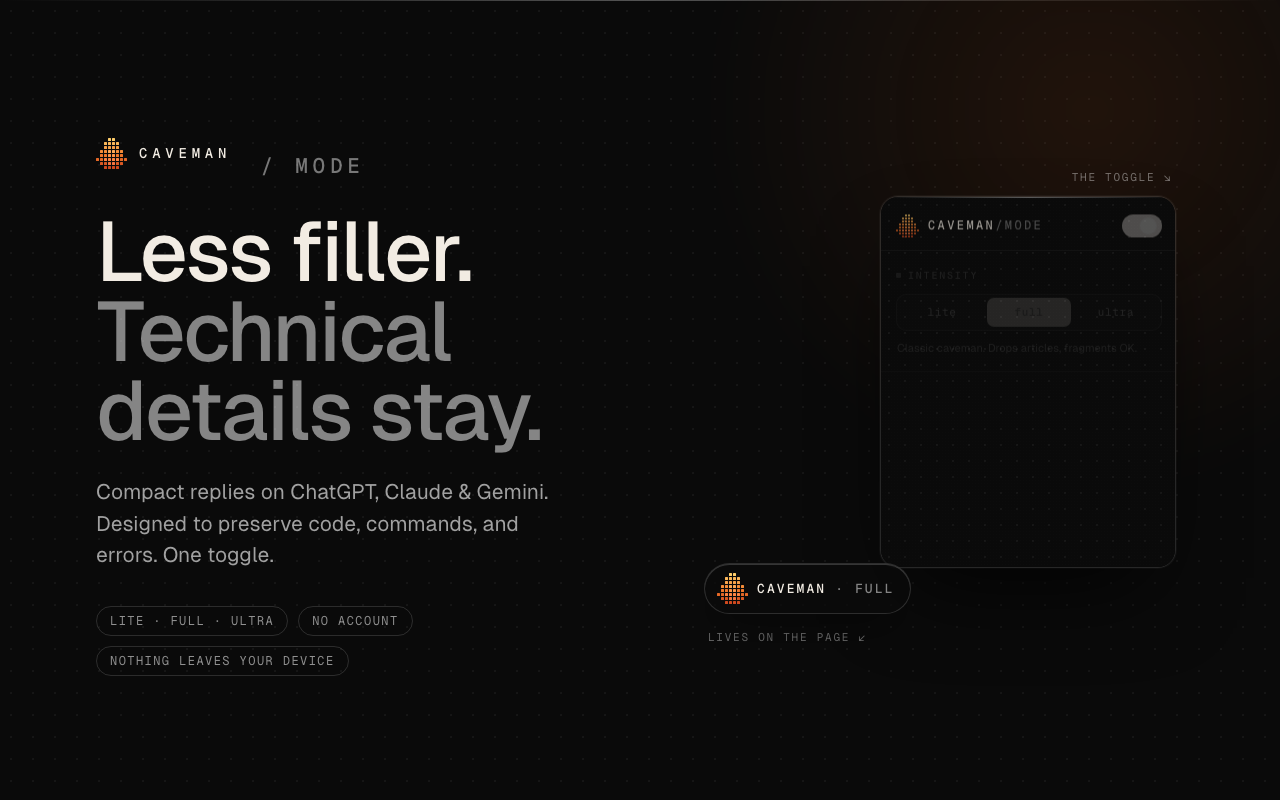
In the dialogue, enter/caveman as the standard file;/ultracave is more minimal;/megacave extreme saving token, Chinese scenarios recommend trying the standard file first and then descending.
Use/caveman-stats to see how many tokens have been saved in this session, and/caveman-learn to learn your preferences.
新会话里问一个平时话很多的问题,比如「解释一下 React 组件为什么重渲染」,回答应该明显变短,但代码和命令完整保留。
在对话里输入 /caveman 是标准档;/ultracave 更极简;/megacave 极限省 token,中文场景建议先试标准档再降。
用 /caveman-stats 查看本场会话省了多少 token,/caveman-learn 让它学习你的偏好。
Step 4: Advanced Portfolio第四步:进阶组合
The Read less module compresses the logs and test output by default; if your workflow depends on the full raw output, you can turn this block off separately in the configuration.
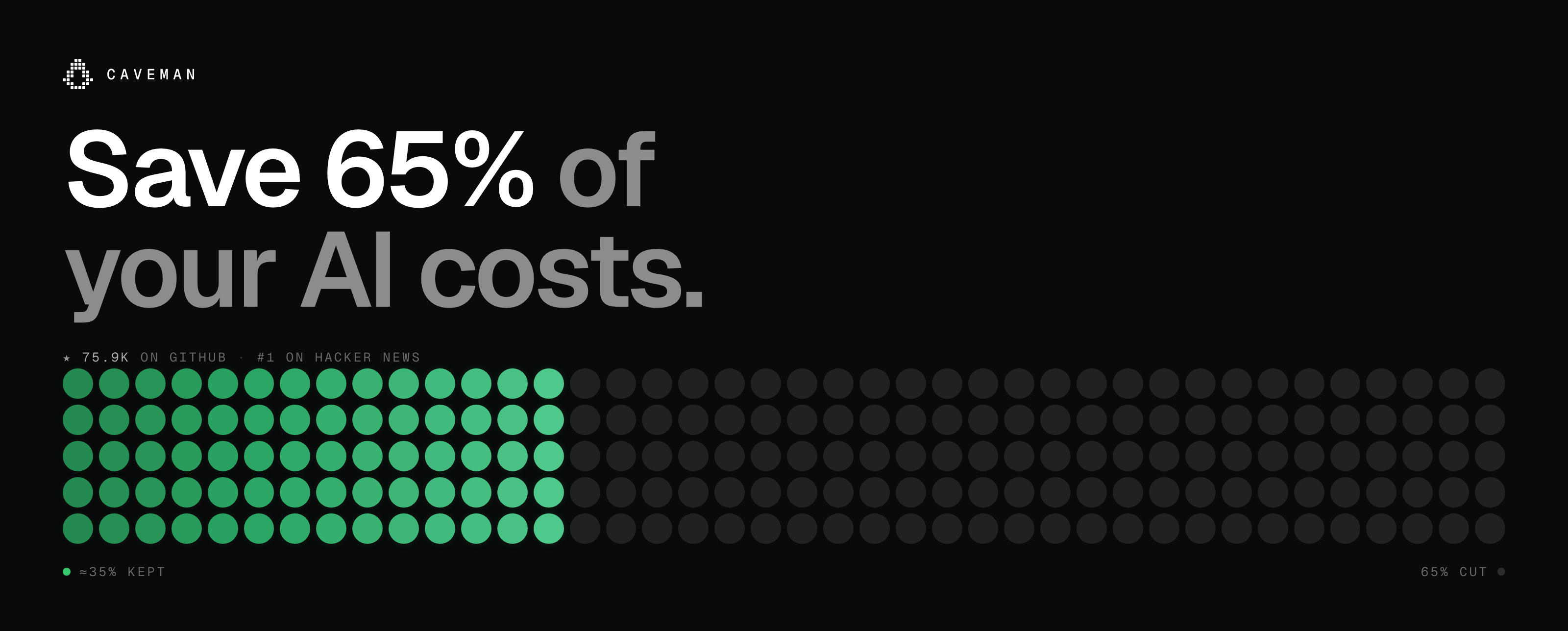
The Auto file will be used according to the task selection model and inference strength, and the subscription limit will be used to save the most money, and the official measurement will save 54% of the cost.
The team uses the suggestion to lock the version number and see the release instructions before upgrading to avoid changes in skill behaviors affecting the existing process.
Read less 模块默认压缩日志和测试输出;如果你的工作流依赖完整原始输出,可以在配置里单独关掉这一块。
Auto 档会按任务挑模型和推理强度,配合订阅额度使用最省钱,官方实测省 54% 成本。
团队使用建议锁定版本号,升级前先看 RELEASE 说明,避免技能行为变化影响既有流程。
Use reminder使用提醒
This article is compiled from public sources and ships with the matching resource. Product features and pricing are subject to the official page. Resources are for learning and exchange only — please respect the original license.
本文整理自公开资料并附上配套资源;涉及产品的功能与价格以官方页面为准。资源仅供学习交流,请遵循来源许可。
想马上用起来?去「AI工具」栏挑一个直接下载,或在「AI教程」里跟着图文步骤做一遍。
去 AI工具 → 看 AI教程 →阅读与点赞数据保存在你的浏览器本地,欢迎留下你的想法。
 今日正能量学一点,用一点;今天种下的种子,会长成明天的能力。去免费下载专区 →广告
评论 文明发言,让讨论更有价值