Graphic tutorial: Pick out the skills you need from 388 skills and install them into the AI programming tool in ten minutes图文教程:从 388 个技能里挑出你需要的,十分钟装进 AI 编程工具
I will teach you step by step how to use the Claude Skills 388 collection that was added to the library today: select skills by role, select a directory by tool, verify the installation to take effect, and then teach you how to combine Agent and Persona to string the skills into a workflow. There is zero pip dependency in the whole process, just copy and paste to install.
手把手教你用今天入库的 Claude Skills 388 合集:按角色挑技能、按工具选目录、装完验证生效,再教你组合 Agent 和 Persona 把技能串成工作流。全程零 pip 依赖,复制粘贴就能装。
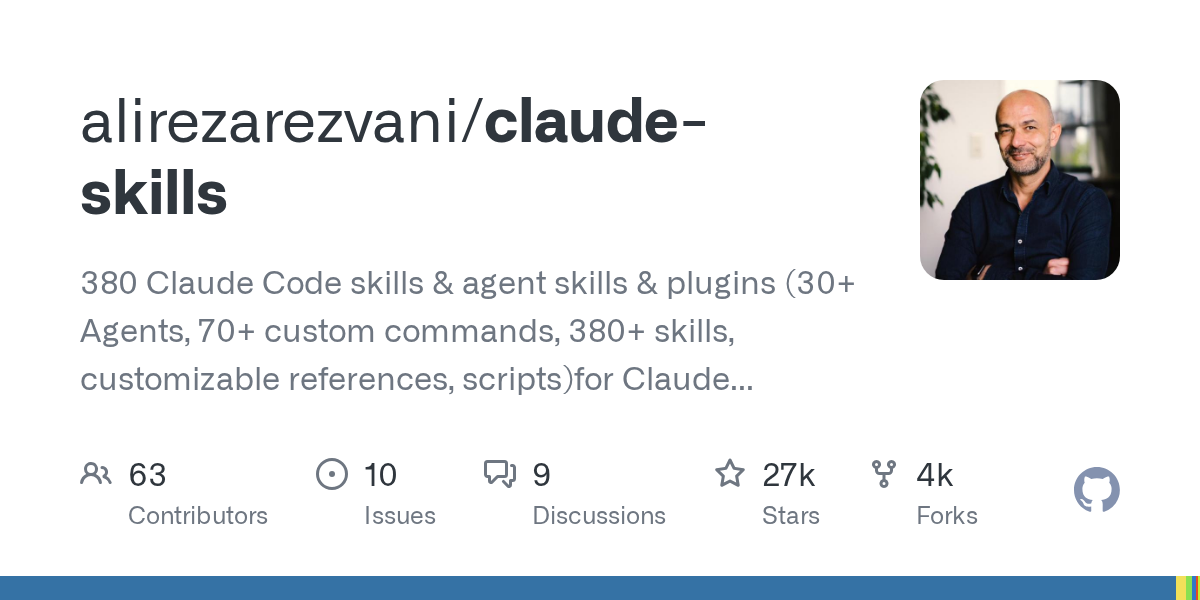
Step 1: Download and unzip the skill collection第一步:下载并解压技能合集
Go to the "AI Skills Package" section of this site to download the Claude Skills 388 collection source code package (claude-skills-380-main.zip, about 14 MB).
After decompression, first read the "Quick Install" of README.md in the root directory. The collection comes with installation instructions and mirror directories for 13 programming tools, and does not require pip to install any dependencies.
到本站「AI技能包」栏目下载 Claude Skills 388 合集源码包(claude-skills-380-main.zip,约 14 MB)。
解压后先读根目录 README.md 的「Quick Install」,合集自带 13 个编程工具的安装说明与镜像目录,不需要 pip 安装任何依赖。
Step 2: Select the installation directory according to the tool you use第二步:按你用的工具选择安装目录
Claude Code: Copy the required skills directory to ~/.claude/skills/; Codex, Gemini CLI, Cursor and other tools correspond to their respective skills directories, and the paths are listed one by one in the README.
Windows users are recommended to use git clone -c core.symlinks=true to install after turning on developer mode, otherwise the image directory will become a line of pointer text instead of real skills; and set PYTHONUTF8=1 to avoid Chinese output errors.
Claude Code:把需要的技能目录复制到 ~/.claude/skills/;Codex、Gemini CLI、Cursor 等工具对应各自的 skills 目录,README 里逐一列出了路径。
Windows 用户建议开启开发者模式后用 git clone -c core.symlinks=true 安装,否则镜像目录会变成一行指针文本而不是真实技能;并设置 PYTHONUTF8=1 避免中文输出报错。
Step 3: Select skills and verify them to take effect第三步:挑选技能并验证生效
Don’t cram all the agents in: choose according to role—those who write code install the engineering and testing classes, those who do marketing install the AEO and content classes, and those who manage security open the PreToolUse hook class. SKILL.md in each skill directory is its manual, take a look at it before installing.
After restarting the session, enter /skills (or the skill list command corresponding to the client) to confirm that it has been loaded, and then let the agent actually run a skill to verify the output quality.
不要全量塞进智能体:按角色挑——写代码的装工程与测试类,做营销的装 AEO 与内容类,管安全的开 PreToolUse 钩子类。每个技能目录里的 SKILL.md 就是它的说明书,装前扫一眼。
重启会话后输入 /skills(或对应客户端的技能列表命令)确认已加载,再让智能体实际跑一个技能验证输出质量。

Step 4: Advanced – Stringing skills into workflows第四步:进阶——把技能串成工作流
The essence of the collection is in the arrangement: an Agent decides "what to do", a Skill decides "how to do it", and a Persona decides "what perspective to think about". For example, let the CTO Persona call the security audit agent, and then let it perform security audit skills, and a link is established.
The Orchestration section of the official README gives multiple combination examples, which can be used by copying and modifying them.
合集的精髓在编排:一个 Agent 决定「做什么」,一个 Skill 决定「怎么做」,一个 Persona 决定「用什么视角想」。比如让 CTO Persona 调用安全审计 Agent,再让它执行安全审计技能,一条链路就搭好了。
官方 README 的 Orchestration 一节给了多个组合示例,照抄改改就能用。
Use reminder使用提醒
Third-party skills are essentially instructions written to the agent. Before installation, read SKILL.md to confirm that the content is reliable; the skill safety auditor that comes with the collection can perform a physical check on the skills first. This article is compiled from public information, and the resources are only for learning and exchange.
第三方技能本质是写给智能体的指令,安装前先读 SKILL.md 确认内容可靠;合集自带的技能安全审计器可以先给技能做体检。本文整理自公开资料,资源仅供学习交流。
本篇为图文教程,直接按步骤操作即可,无需下载文件。
阅读与点赞数据保存在你的浏览器本地,欢迎留下你的想法。
 今日正能量学一点,用一点;今天种下的种子,会长成明天的能力。去免费下载专区 →广告
评论 文明发言,让讨论更有价值