Tutorial: Install Codex into Claude Code and let two programming agents review each other教程:把 Codex 装进 Claude Code,让两个编程智能体互相复核
Four steps: add the official plug-in market, complete the self-inspection, let Codex independently review a change, and then transfer the entire package of stuck tasks to the backend and manage the results. The whole journey takes less than ten minutes.
四步跑通:添加官方插件市场、完成自检、让 Codex 独立审查一次改动、再把卡住的任务整包转交后台并管理结果。全程不到十分钟。
Step 1: Add the official plug-in market to Claude Code第一步:把官方插件市场加进 Claude Code
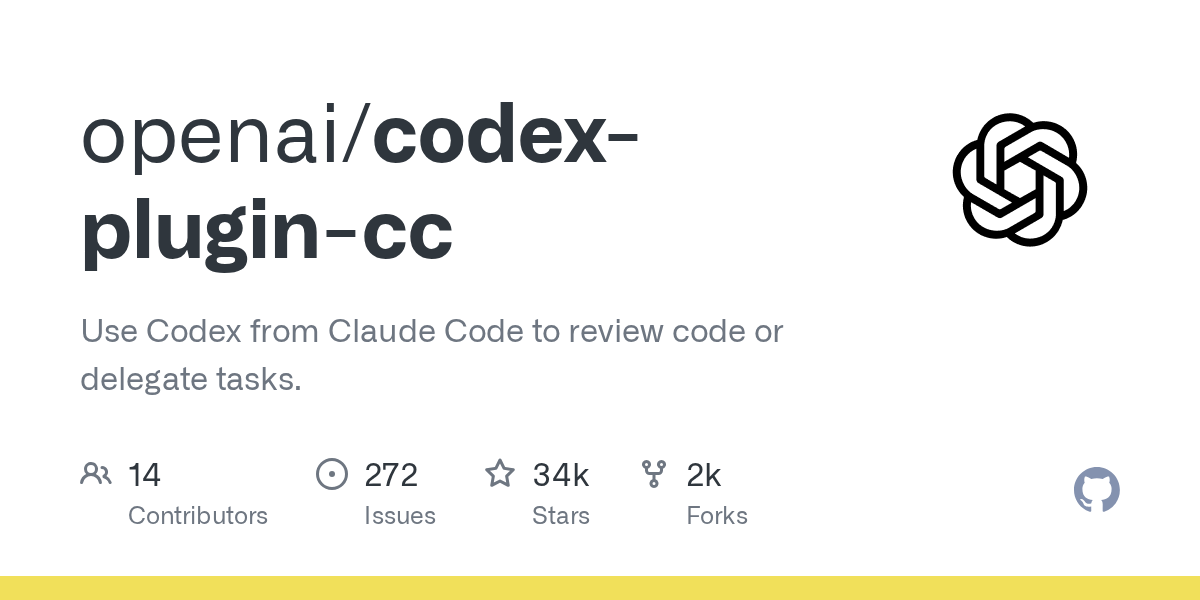
Open Claude Code and execute three commands in sequence: /plugin marketplace add openai/codex-plugin-cc to add the OpenAI official market, /plugin install codex@openai-codex to install the plug-in, and /reload-plugins to reload the plug-in for the new command to take effect.
Also confirm the prerequisites: Node.js 18.18 and above; ChatGPT subscription (including free files) or OpenAI API Key. The plug-in body is only about 118 KB. What really does the work is the Codex body, and it consumes your Codex usage.
打开 Claude Code,依次执行三条命令:/plugin marketplace add openai/codex-plugin-cc 添加 OpenAI 官方市场,/plugin install codex@openai-codex 安装插件,/reload-plugins 重新加载插件让新命令生效。
同时确认前置条件:Node.js 18.18 及以上;ChatGPT 订阅(含免费档)或 OpenAI API Key。插件本体只有约 118 KB,真正干活的是 Codex 本体,耗费的是你的 Codex 用量。
Step 2: Run a self-test to confirm that the Codex is available第二步:跑一次自检,确认 Codex 可用
Execute /codex:setup. It will clearly tell you the readiness status: if Codex is not installed and npm is available on your local machine, you can directly let it install it on your behalf; if it is installed but not logged in, use !codex login to complete the login (the exclamation mark prefix indicates that local commands are executed in Claude Code).
Don’t skip this step: Send a task if the self-check fails. This usually manifests as a silent failure of the background task and only returns a status code, which is very time-consuming to troubleshoot. You can install it manually: npm install -g @openai/codex.
执行 /codex:setup。它会明确告诉你就绪状态:如果没装 Codex 而本机有 npm,可以直接让它代为安装;如果装了但未登录,用 !codex login 完成登录(感叹号前缀表示在 Claude Code 里执行本地命令)。
这一步别跳过:自检没过就发任务,通常表现为后台任务静默失败、只返回一个状态码,排查起来很费时间。想手动装也行:npm install -g @openai/codex。
Step 3: Have Codex independently review a change第三步:让 Codex 独立审查一次改动
After modifying a piece of code, execute /codex:review to get the read-only review conclusion; if you want to be more aggressive, use /codex:adversarial-review, which will specifically refute this implementation with the questioning angle you specified.
The value lies in the word "independent": the review is completed independently by the Codex model, without looking at Claude's context and self-report, so it is not easy to overlook similar problems because of the preference of the same model. The conclusion is returned directly to the Claude Code session and can be modified in place.
改完一段代码,执行 /codex:review 拿到只读审查结论;想更狠一点用 /codex:adversarial-review,它会带着你指定的质疑角度专门反驳这段实现。
价值在「独立」两个字:审查由 Codex 的模型独立完成,不看 Claude 的上下文和自述,因此不容易因为同一模型的偏好而放过同类问题。结论直接回到 Claude Code 会话里,可以就地修改。
Step 4: Task transfer and background management第四步:任务转交与后台管理
If you encounter problems with Claude repeatedly making incorrect changes, use /codex:transfer to transfer the entire current session to Codex; or use /codex:rescue to dump a description and let it start working independently.
Long-term tasks will go into the background: /codex:status to check the progress, /codex:result to get the results, and /codex:cancel to cancel. It is recommended to try it on the temporary branch first to confirm that the output quality and quota consumption are within the acceptable range, and then put it into the daily process.
遇到 Claude 反复改不对的问题,用 /codex:transfer 把当前会话整段交接给 Codex;或者用 /codex:rescue 甩一段描述过去,让它独立开工。
长时间任务会进后台:/codex:status 看进度,/codex:result 取结果,/codex:cancel 取消。建议先在临时分支上试,确认输出质量与配额消耗都在可接受范围,再放进日常流程。
Notes使用提醒
This article is compiled from public sources and ships with the matching resource. Product features and pricing are subject to the official page. Resources are for learning and exchange only — please respect the original license.
本文整理自公开资料并附上配套资源;涉及产品的功能与价格以官方页面为准。资源仅供学习交流,请遵循来源许可。
⬇ Download · 点击下载:codex-plugin-cc main 分支源码包(约 118 KB)
OpenAI 官方仓库源码包,配合本教程使用
阅读与点赞数据保存在你的浏览器本地,欢迎留下你的想法。
 今日正能量学一点,用一点;今天种下的种子,会长成明天的能力。去免费下载专区 →广告
评论 文明发言,让讨论更有价值