Graphic tutorial: 3 steps to install Coucou, Claude Code permission request one-click approval图文教程:三步装好 Coucou,Claude Code 权限请求一键批准
Hands-on instructions for installing today's Coucou: From downloading and unzipping, authorization to accessing Claude Code hooks, click through the screenshot steps, and let the screen bang for 5 minutes to stare at a small creature for your conversation.
手把手教你安装今天入库的 Coucou:从下载解压、授权到接入 Claude Code hooks,全部点击级截图步骤,5 分钟让屏幕刘海多一只帮你盯会话的小生物。
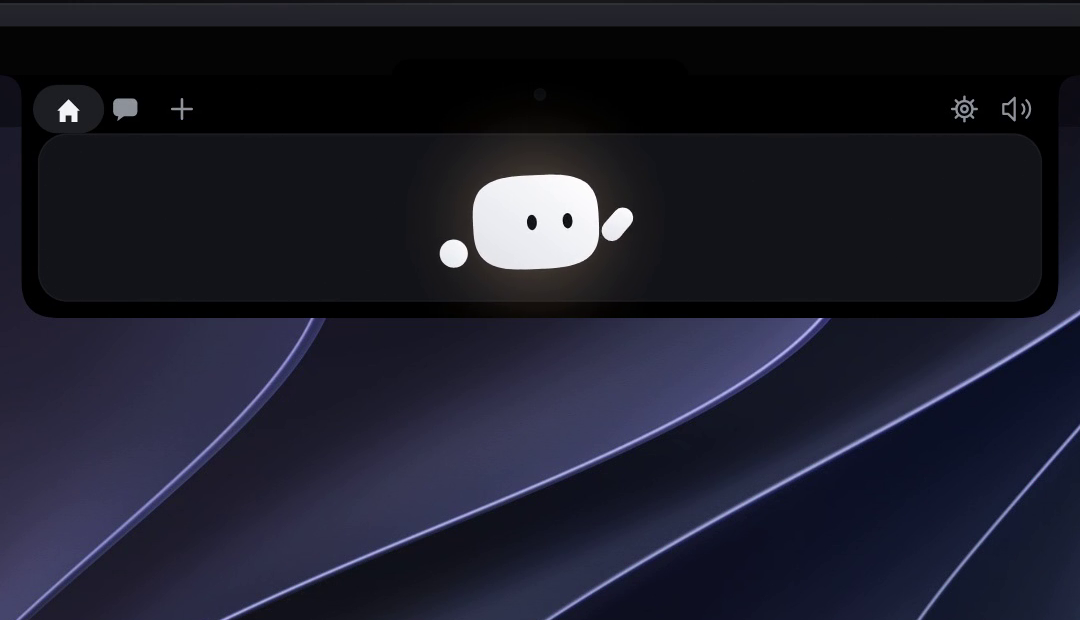
Step 1: Download and install the app第一步:下载并安装 App
Click the green download button above this article to get Coucou.zip (about 4.94 MB), unzip it, drag Coucou.app into the "Applications" folder, and double-click launch.
Starting macOS for the first time will prompt developers who are not not notarized: right-click the app and select "Open" once to release it. After that, small creatures will appear in Liu Hai Li, indicating that it is already resident.
点本文上方的绿色下载按钮拿到 Coucou.zip(约 4.94MB),解压后把 Coucou.app 拖进「应用程序」文件夹,双击启动。
首次启动 macOS 会提示来自未公证开发者:右键 App 选「打开」一次即可放行。之后刘海里会出现小生物,说明它已常驻。
Step 2: Give System Permissions第二步:给系统权限
Coucou needs Accessibility permission to draw the interface in the bangs area: the system sets the → privacy and security → accessibility to open Coucou.
For Macs with bangs, it is recommended to turn on the normal mode other than "Auto Hide Menu Bar" at the same time; Windows users can pin the window to the top of the screen.
Coucou 需要辅助功能(Accessibility)权限才能在刘海区域绘制界面:系统设置 → 隐私与安全性 → 辅助功能,把 Coucou 打开。
如果是带刘海的 Mac,建议同时打开「自动隐藏菜单栏」以外的正常模式;Windows 用户则把窗口固定在屏幕顶部即可。
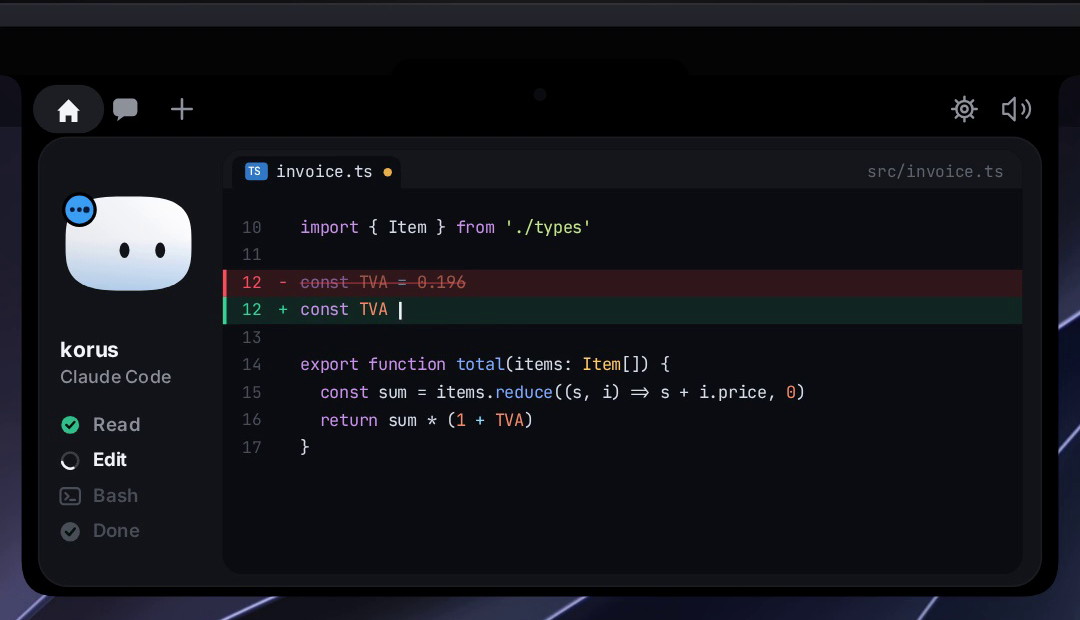
Step 3: Access Claude Code hooks第三步:接入 Claude Code hooks
Execute a line command provided by the official README at the terminal to register Coucou's event listening into the hooks configuration of Claude Code (which listens for events such as PreToolUse). The command automatically backs up your existing settings.json.
Restart the Claude Code session, make it execute a command that will trigger the permission confirmation (such as writing a file), Coucou will pop up a confirmation banner - click on the approval, the little creature will turn over, and the task will continue to run.
在终端执行官方 README 提供的一行命令,把 Coucou 的事件监听注册进 Claude Code 的 hooks 配置(它监听 PreToolUse 等事件)。命令会自动备份你现有的 settings.json。
重启 Claude Code 会话,随便让它执行一条会触发权限确认的命令(比如写文件),Coucou 就会弹出确认横幅——点一下批准,小生物翻个跟头,任务继续跑。
FAQ常见问题
No permission request received: Confirm that the hooks command is executed under the Claude Code installation user, and there are no other PreToolUse conflicts in settings.json; each terminal instance will be reported independently when there are multiple sessions.
Want it to be quiet: in the menu bar icon, you can mute the session, leaving only the permission request pop-up window. Coucou runs entirely locally and uploads any session content without the internet, minding privacy can be used with peace of mind.
收不到权限请求:确认 hooks 命令是在 Claude Code 安装用户下执行,且 settings.json 里没有其他 PreToolUse 冲突项;多会话时每个终端实例都会独立上报。
想让它安静点:菜单栏图标里可以按会话静音,只保留权限请求弹窗。Coucou 完全本地运行,不联网上传任何会话内容,介意隐私可以放心用。
Notes使用提醒
This article is compiled from public sources and ships with the matching resource. Product features and pricing are subject to the official page. Resources are for learning and exchange only — please respect the original license.
本文整理自公开资料并附上配套资源;涉及产品的功能与价格以官方页面为准。资源仅供学习交流,请遵循来源许可。
本篇为图文教程,直接按步骤操作即可,无需下载文件。
阅读与点赞数据保存在你的浏览器本地,欢迎留下你的想法。
 今日正能量学一点,用一点;今天种下的种子,会长成明天的能力。去免费下载专区 →广告
评论 文明发言,让讨论更有价值