Coucou: Claude Code companion who lives in the bangs of the screen (v0.1.2 official installation package)Coucou:住在屏幕刘海里的 Claude Code 小伴侣(v0.1.2 官方安装包)
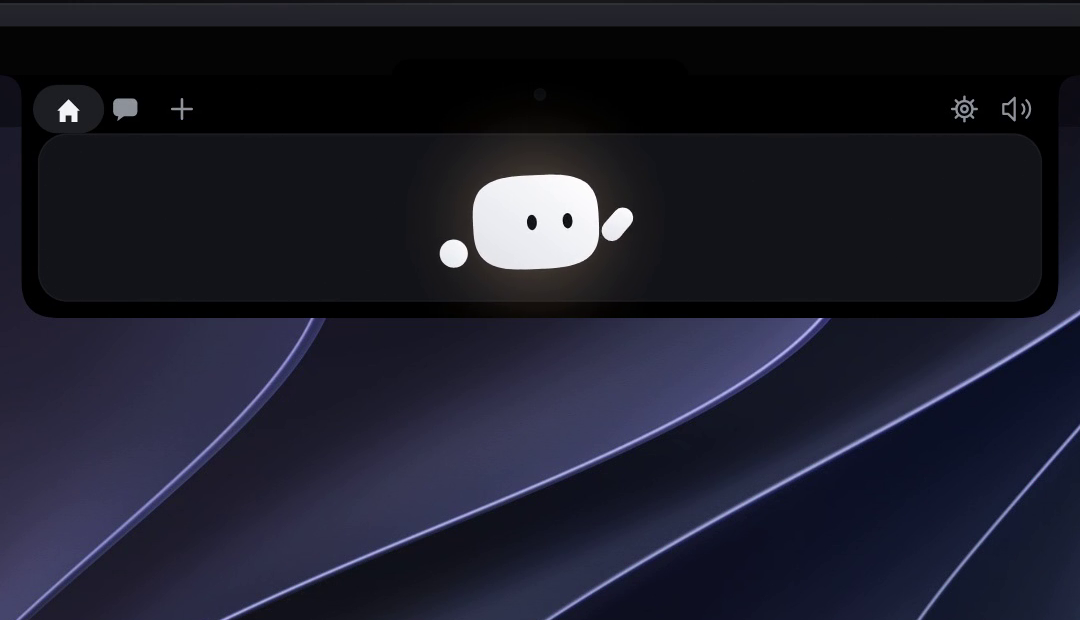
Top 8 gadgets on the GitHub daily list: a small animated creature that lives in your Mac Liu Hai (Windows is at the top of the screen), staring at every Claude Code session in real time - it flips over when the agent is working, it raises its hand when you approve the permission request, and releases or rejects it with a tap. 2982 Star, open source free, purely local operation.
登上 GitHub 日榜前八的小工具:一只住在你 Mac 刘海(Windows 则在屏幕顶部)里的动画小生物,实时盯着每一个 Claude Code 会话——智能体干活时它翻跟头,等你批准权限请求时它举手示意,点一下就放行或拒绝。2982 星、开源免费、纯本地运行。
Solve what problem?解决什么问题
Two of the most annoying things about using a terminal agent such as Claude Code: First, I don't know whether it is moving at all while working, and second, the permission confirmation bullet is easy to miss in the terminal, and the task card is a few minutes. Coucou moved these two things to the most prominent position on the screen - the little creature in Liu Hai is the conversation state itself: it is working, the little creature is moving; it is waiting for your confirmation, the little creature stops and raises its hand.
The author is Louis-CFM, the project runs locally, does not upload any data, and does not need to register an account. Its session listening to Claude Code is implemented by the official hooks mechanism and does not intrude or modify the agent itself.
The following is the official demo: Coucou pops up a confirmation card at the top of the screen when the agent requests permission, approving or rejecting it with one click without switching back to the terminal window.
用 Claude Code 这类终端智能体最烦的两件事:一是干活时不知道它到底在不在动,二是权限确认弹在终端里容易错过,任务一卡就是几分钟。Coucou 把这两件事搬到了屏幕最显眼的位置——刘海里的小生物就是会话状态本身:它在工作,小生物就在动;它在等你确认,小生物就停下来举手。
作者是 Louis-CFM,项目全靠本地运行,不上传任何数据,也不用注册账号。它对 Claude Code 的会话监听是官方 hooks 机制实现的,不会侵入或修改智能体本身。
下图是官方演示:智能体请求权限时,Coucou 直接在屏幕顶部弹出确认卡片,一键批准或拒绝,不用切回终端窗口。
Core gameplay核心玩法
Permission one-click approval: Claude Code's permission request will appear next to the small creature in the form of a banner, and the mouse will pass with a click. Long press can "allow this session". Great attention savings for long-distance tasks and frequent command execution workflows.
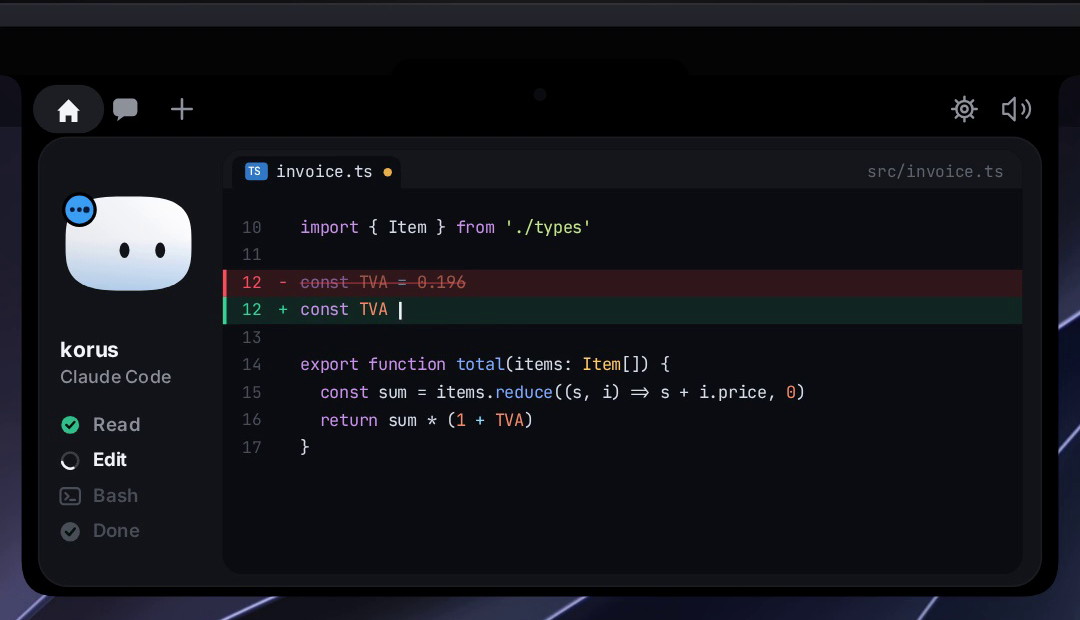
Session-aware animation: Different states have different animations - idle, thinking, writing files, running commands, waiting for confirmation, distinguishing at a glance. You can also feed it "snacks" interaction, pure tabletop pet eggs.
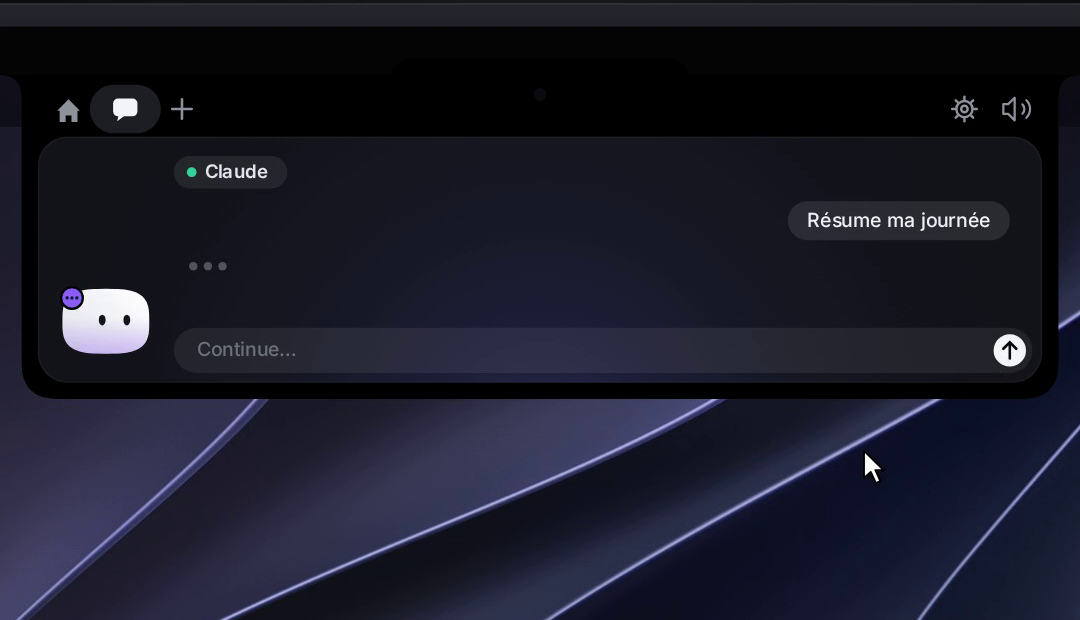
Multi-session support: When running multiple Claude Code instances at the same time, each session corresponds to an independent status prompt, which will not be confused with each other. The chat interface in the official demo looks like this.
权限一键批准:Claude Code 的权限请求会以横幅形式出现在小生物旁边,鼠标一点就通过,长按可以「本次会话都允许」。对跑长任务、频繁执行命令的工作流来说,省下的注意力非常多。
会话感知动画:不同状态有不同动画——空闲、思考、写文件、跑命令、等待确认,一眼分辨。还可以给它喂「零食」互动,纯纯的桌面宠物彩蛋。
多会话支持:同时跑多个 Claude Code 实例时,每个会话对应独立的状态提示,不会互相混淆。官方演示里的聊天界面长这样。
Download instructions下载说明
This site provides the original macOS installation package file of the official release v0.1.2, about 4.94 MB. After unzipping, get Coucou.app, and drag in "Application". For Windows users, please go to the Project Releases page to get the corresponding version.
The first startup needs to be guided to the Coucou accessibility permission (used to draw the interface in the bangs area), and a line of hooks is added to the Claude Code configuration. The official README has ready-made commands to copy.
本站提供的是官方 Release v0.1.2 的 macOS 安装包原文件,约 4.94MB,解压后得到 Coucou.app,拖进「应用程序」即可。Windows 用户请到项目 Releases 页取对应版本。
首次启动需要按引导给 Coucou 辅助功能权限(用于在刘海区域绘制界面),并在 Claude Code 配置里加一行 hooks 注册,官方 README 有现成命令可复制。
Notes使用提醒
This article is compiled from public sources and ships with the matching resource. Product features and pricing are subject to the official page. Resources are for learning and exchange only — please respect the original license.
本文整理自公开资料并附上配套资源;涉及产品的功能与价格以官方页面为准。资源仅供学习交流,请遵循来源许可。
⬇ Download · 点击下载:Coucou v0.1.2 macOS 官方安装包(约 4.94 MB)
来自官方 GitHub Release,解压即得 Coucou.app;Windows 版请到仓库 Releases 下载
阅读与点赞数据保存在你的浏览器本地,欢迎留下你的想法。
 今日正能量学一点,用一点;今天种下的种子,会长成明天的能力。去免费下载专区 →广告
评论 文明发言,让讨论更有价值