Desktop Commander plugin: 10,000-star popular MCP, give Claude a double terminal and a hand to change filesDesktop Commander 插件:一万星热门 MCP,给 Claude 一双管终端和改文件的手
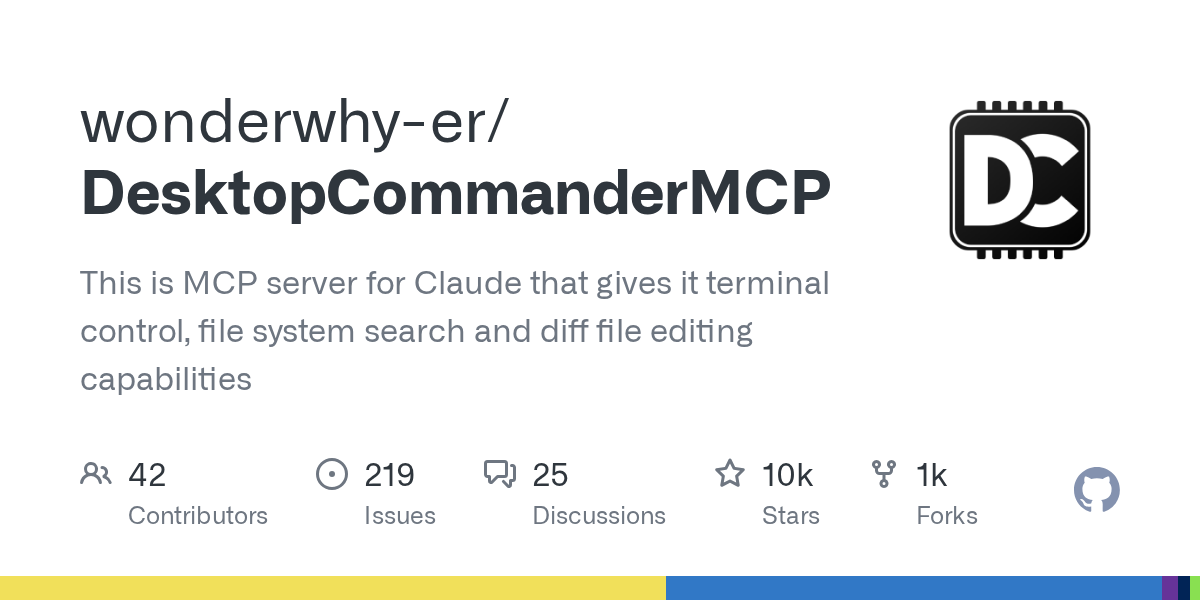
Desktop Commander is the MCP server of GitHub's 10,000-star collection. After installing it, your AI programming assistant can directly execute terminal commands, search the entire file, and accurately modify the code by diff. Instead of copying and pasting the error log, let it run the command by itself, see the results by itself, and change the file by itself, a plugin turns the AI that can only say into an AI that can do it.
Desktop Commander 是 GitHub 上万星收藏的 MCP 服务器,装上之后你的 AI 编程助手就能直接执行终端命令、全盘搜索文件、按 diff 方式精确改代码。不用再复制粘贴报错日志,让它自己跑命令、自己看结果、自己改文件,一个插件把「只会说」的 AI 变成「会动手」的 AI。
What Problems Does It Solve?它解决什么问题
The most annoying thing about using the AI programming assistant is moving it back and forth: let the AI write a command, you copy it to the terminal, run it, and then glue the output back, and it will be gone in a few minutes after one round.
Desktop Commander hands the terminal and file system directly to AI: it can start the process, read the output, search the file, and accurately edit the code by diff, all without needing you as a transit station.
It is a standard MCP server. Claude Desktop, Claude Code and other clients that support MCP can access it. GitHub has won tens of thousands of stars, which is one of the most popular choices in its class.
用 AI 编程助手最烦的就是来回搬运:让 AI 写个命令,你复制到终端跑,再把输出粘回去,一轮下来几分钟就没了。
Desktop Commander 把终端、文件系统直接交给 AI:它能启动进程、读输出、搜索文件、按 diff 精确编辑代码,全程不需要你当中转站。
它是标准 MCP 服务器,Claude Desktop、Claude Code 等支持 MCP 的客户端都能接入,GitHub 已收获上万星,是同类里最热门的选择之一。
Core Competencies at a Glance核心能力一览
Terminal control: execute arbitrary command line, start permanent process, read output by line, support timeout and process management.
File ability: Recursively search the file content, blur the file name, read the edited text file, and accurately modify it in diff format to avoid errors in rewriting the entire file.
Accessibility: Test the code running unit, manage Git operations, compress and extract files, and basically cover all the high-frequency actions of daily development.
终端控制:执行任意命令行、启动长驻进程、按行读取输出,支持超时与进程管理。
文件能力:递归搜索文件内容、模糊查找文件名、读取编辑文本文件,还能用 diff 格式做精确修改,避免整文件重写出错。
辅助功能:给代码跑单元测试、管理 Git 操作、压缩解压文件,日常开发的高频动作基本全覆盖。
Two-step access两步接入
Option 1 (recommended): Add an npx command to the configuration file of Claude Desktop, point to @ wonderwhy-er/desktop-commander, and restart the client.
Option 2 (offline): Download the official npm installation package (tgz format, only 1.70 MB) included in this article, and use the npx local path to access after unzipping, which is suitable for environments with inconvenient networks.
After plugging in, say directly in the dialog, "Help me run the npm test and fix the failed use case", the AI will execute the command, read the output, change the code, and re-validate it.
方式一(推荐):在 Claude Desktop 的配置文件里加一条 npx 命令,指向 @wonderwhy-er/desktop-commander,重启客户端即可。
方式二(离线):下载本文附带的官方 npm 安装包(tgz 格式,仅 1.70MB),解压后用 npx 本地路径方式接入,适合网络不便的环境。
接入后在对话里直接说「帮我跑一下 npm test 并修复失败的用例」,AI 就会自己执行命令、读输出、改代码、再验证。
Download instructions下载说明
The download button provides the npm official repository @ wonderwhy-er/desktop-commander version 0.3.0 installation package (tgz format, 1.70 MB), which can be installed offline by npm install.
It is recommended to use with version management: lock the version number in the MCP configuration, and verify it in the test project before upgrading to avoid changes in tool behavior from affecting the existing workflow.
下载按钮提供 npm 官方仓库 @wonderwhy-er/desktop-commander 0.3.0 版安装包(tgz 格式,1.70MB),可用 npm install 离线安装。
建议配合版本管理使用:MCP 配置里锁定版本号,升级前先在测试项目里验证,避免工具行为变化影响已有工作流。
Use reminder使用提醒
This article is compiled from public sources and ships with the matching resource. Product features and pricing are subject to the official page. Resources are for learning and exchange only — please respect the original license.
本文整理自公开资料并附上配套资源;涉及产品的功能与价格以官方页面为准。资源仅供学习交流,请遵循来源许可。
⬇ Download · 点击下载:Desktop Commander 0.3.0 官方 npm 安装包(1.70MB)
来自 npm 官方仓库 @wonderwhy-er/desktop-commander(MIT 许可);解压后以 npx 本地路径接入 Claude Desktop / Claude Code 等 MCP 客户端即可使用。
阅读与点赞数据保存在你的浏览器本地,欢迎留下你的想法。
 今日正能量学一点,用一点;今天种下的种子,会长成明天的能力。去免费下载专区 →广告
评论 文明发言,让讨论更有价值