Illustrated Tutorial: Get Started with EGM in Three Steps and Let "Zero-Context Reviewers" Identify Blind Spots in Your Design Documents图文教程:三步上手 EGM,让「零上下文评审员」替你抓设计文档里的盲区
Follow along: Install the EGM plugin → Run a review of the existing design document → Perform a drift check on the entire document directory → Go through the complete process of drafting a new specification again. Suitable for engineers who frequently write design documents and are plagued by "mismatches between documents and code".
跟着做:安装 EGM 插件 → 对现有设计文档跑一次评审 → 给整个文档目录做漂移体检 → 再走一遍完整的新规格起草流程。适合经常写设计文档、被「文档和代码对不上」折磨的工程师。
Step 1: Install the plugin and start a new conversation第一步:安装插件并新开会话
Download the full EGM plugin package from this site (see the button above) as a backup. If you install directly from the marketplace, run claude plugin marketplace add google/elephant-goldfish-model in Claude Code, then run claude plugin install egm@egm.
Offline installation path: After unzipping the zip file, simply follow the instructions in each harness directory (.claude-plugin / .codex-plugin / .cursor-plugin, etc.) in the package to register the local marketplace. Codex, Cursor, Gemini, and OpenCode are all supported.
Key point: After installation, you must start a new session for the skills to be loaded. Go to your project directory and launch Claude Code or Codex.
从本站下载 EGM 完整插件包(见上方按钮)备用;如果你直接用市场安装,Claude Code 执行 claude plugin marketplace add google/elephant-goldfish-model 再 claude plugin install egm@egm。
离线安装路径:解压 zip 后按包内各 harness 目录(.claude-plugin / .codex-plugin / .cursor-plugin 等)的说明注册本地市场即可,Codex、Cursor、Gemini、OpenCode 都有适配。
关键:装完必须新开会话,技能才会加载。进入你的项目目录启动 Claude Code 或 Codex。
Step 2: Conduct a 60-second review of an existing document第二步:给一份现有文档做 60 秒评审
Choose a design document that you have written or taken over (docs/designs/xxx.md) and say to the Agent: /egm:egm-review docs/designs/xxx.md. Codex users select egm-review from the skill selector.
Observation output: The goldfish reviewer with zero context will provide feedback on each item from three perspectives: "clarity of the documentation", "alignment with the codebase", and "feasibility of the implementation plan". They will also clearly distinguish between "what the documentation says", "what the code actually is", and "where the two conflict".
Treat review comments as a list of changes: make changes to the document where necessary, and record changes to the code as tasks. The first time you go through it, you'll probably find at least one point where "everyone thought it was clear, but it wasn't".
挑一份你写过或接手的设计文档(docs/designs/xxx.md),对 Agent 说:/egm:egm-review docs/designs/xxx.md。Codex 用户从技能选择器里选 egm-review。
观察输出:零上下文的金鱼评审员会从「文档清晰度、与代码库的契合度、实现计划可行性」三个维度逐条给意见,并明确区分「文档说了什么 / 代码实际是什么 / 两者冲突在哪」。
把评审意见当成修改清单处理:该改文档的改文档,该改代码的记成任务。第一次跑完你大概率会发现至少一个「大家都以为说清楚了但其实没有」的点。
Step 3: Perform a drift check on the entire directory第三步:给整个目录做漂移体检
Run /egm:egm-drift-report docs/designs/. EGM compares each document in the directory with the current source code one by one, and outputs a report indicating "which documents are out of date and in which section they are out of date".
For each drift, you decide the direction: modify the documentation to align with the code, or modify the code to align with the documentation. It is recommended to run it once a month, so that the design document is no longer a "rumour from six months ago".
Team collaboration scenario: Include this command in the PR template. For any modified module, the corresponding design document must be accompanied by a screenshot of the latest drift report.
运行 /egm:egm-drift-report docs/designs/,EGM 把目录里每份文档与当前源码逐份对比,输出「哪些文档已过期、过期在哪一段」的报告。
对每条漂移,你决定方向:改文档追代码,或改代码追文档。建议每月跑一次,让设计文档不再是「半年前的谣言」。
团队协作场景:把这个命令写进 PR 模板,凡改动的模块对应的设计文档必须附最新漂移报告截图。
Step 4: Go through the entire new specification process第四步:走一遍完整的新规格流程
Choose a new feature that you really want to implement, run /egm:egm-brainstorm, and Elephant Agent will engage in a conversation with you to gather requirements and produce a structured draft – you can always go back and start over at any point during the process.
Once the draft is formed, it enters the review loop (egm-review-loop): Multiple reviewers with zero context pick it apart according to different criteria, and you make the final decision on what to keep and what to discard. The finally approved specification is the version that has been "scrutinised with fresh eyes".
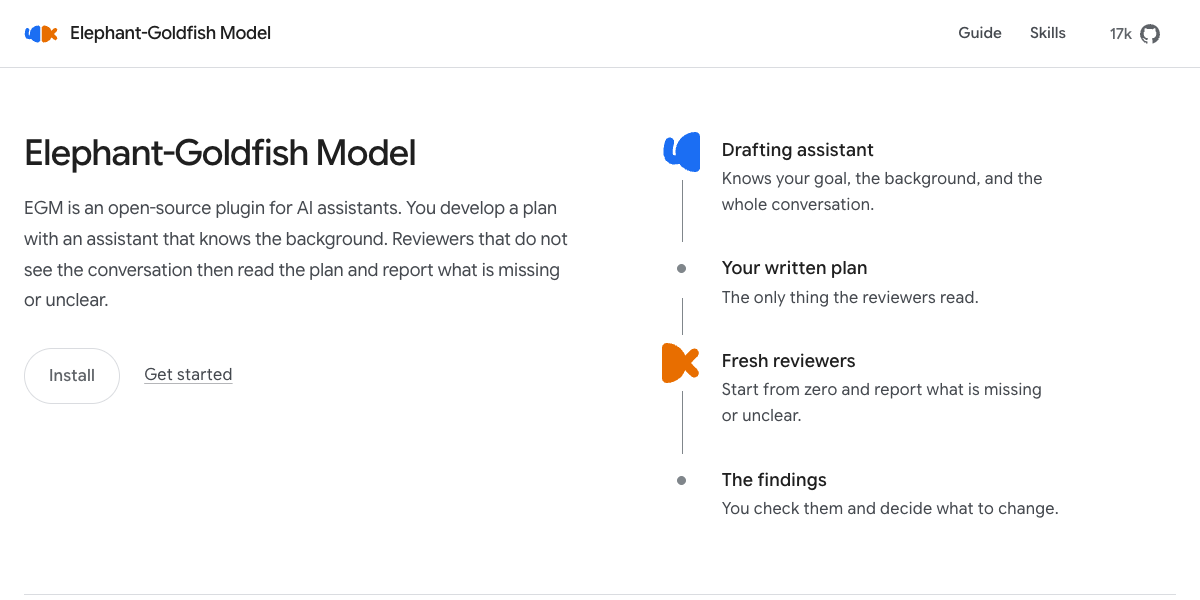
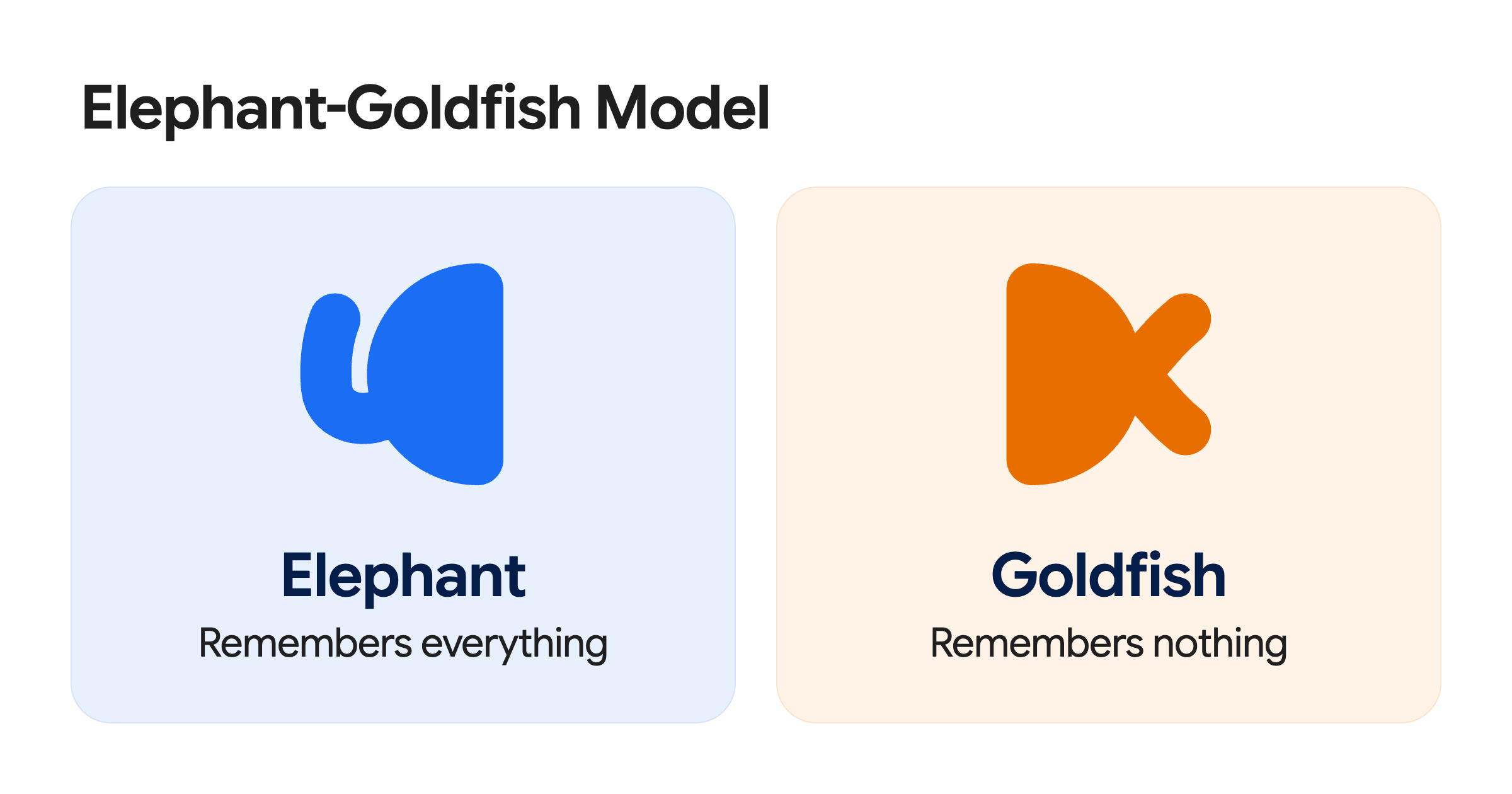
Remember the division of labour: the elephant is responsible for the whole, the goldfish is responsible for nitpicking, and you are responsible for making decisions. Don't let any party overstep their authority – this is the core of EGM's design. The plugin package that accompanies this article can be found via the download button above.
选一个真要做的新功能,运行 /egm:egm-brainstorm,大象代理会和你对话收拢需求,产出结构化草案——过程中随时可以推翻重来。
草案成型后进入评审循环(egm-review-loop):多个零上下文评审员按不同标准挑刺,你拍板取舍,最后批准的规格才是「被新鲜眼光审视过」的版本。
记住分工:大象负责全、金鱼负责挑刺、你负责决定。别让任何一方越权——这正是 EGM 设计的核心。本文配套插件包见上方下载按钮。
Problem Encountered遇到问题
No response to the command: Confirm that the /egm: prefix is included (must be added manually for agy CLI 1.4.8 and earlier) and that it is a new session that can create a sub-agent; Poor review quality: Check whether the source file path referenced by the reviewed document actually exists. The EGM plugin package that accompanies this article can be found via the download button above.
命令没反应:确认带 /egm: 前缀(agy CLI 1.4.8 以下必须手动带)且是能创建子代理的新会话;评审质量差:检查被评审文档引用的源文件路径是否真实存在。本文配套 EGM 插件包见上方下载按钮。
想马上用起来?去「AI工具」栏挑一个直接下载,或在「AI教程」里跟着图文步骤做一遍。
去 AI工具 → 看 AI教程 →阅读与点赞数据保存在你的浏览器本地,欢迎留下你的想法。
 今日正能量学一点,用一点;今天种下的种子,会长成明天的能力。去免费下载专区 →广告
评论 文明发言,让讨论更有价值