Graphic tutorial: 4 steps to turn Claude Code into a virtual engineering team, from/office-hours to/ship图文教程:四步把 Claude Code 变成虚拟工程团队,从 /office-hours 到 /ship 全流程
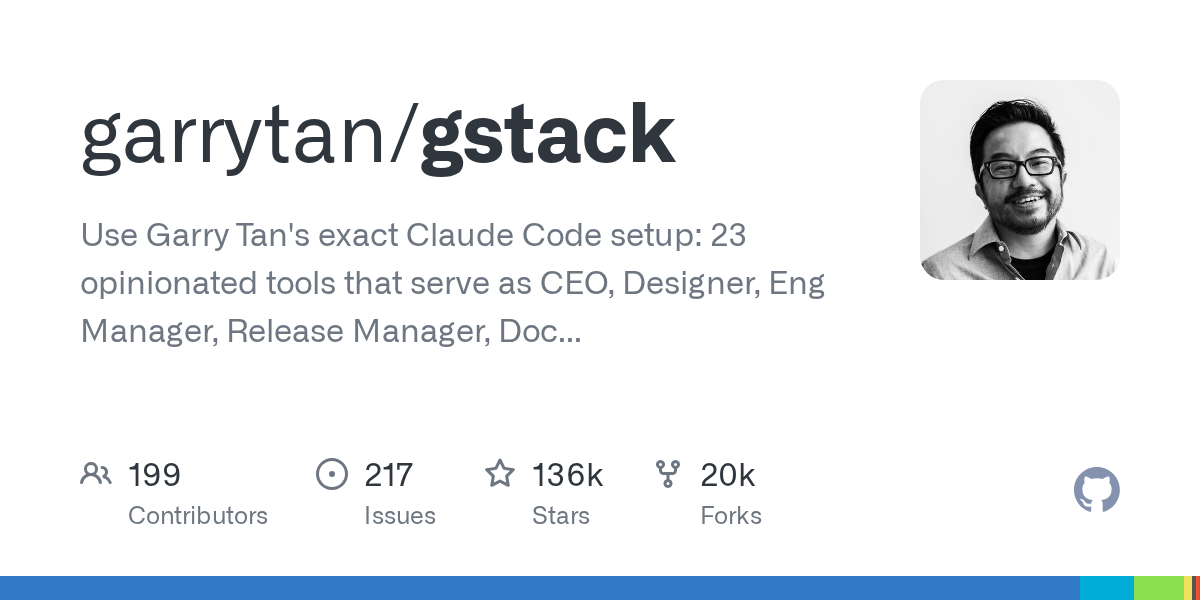
Follow the daily usage of Garry Tan, president of YC: install the gstack in 30 seconds, set up the project with/office-hours, let the CEO and engineering manager grind the program to maturity, and finally/qa open the browser for acceptance and/ship release. Each step gives specific commands and hints to avoid the pit.
跟着 YC 总裁 Garry Tan 的日常用法走一遍:30 秒装好 gstack、用 /office-hours 立项、让 CEO 和工程经理把方案磨成熟,最后 /qa 真开浏览器验收、/ship 发布上线。每一步都给出具体命令和避坑提示。
Step 1: 30-second installation第一步:30 秒安装
Front: Install Claude Code, Git, Bun v1.4.2+ (Node.js is required for Windows users).
Paste this command in Claude Code: git clone --single-branch --depth 1 https://github.com/garrytan/gstack.git ~/.claude/skills/gstack & & cd ~/.claude/skills/gstack & &./setup
setup builds the tool and downloads the browser kernel, which takes about a few minutes for the first time; when finished, follow the prompts to write the gstack skill manifest into CLAUDE.md, so that each session can use the full slash command directly.
前置:装好 Claude Code、Git、Bun v1.4.2+(Windows 用户另需 Node.js)。
在 Claude Code 里粘贴这条命令:git clone --single-branch --depth 1 https://github.com/garrytan/gstack.git ~/.claude/skills/gstack && cd ~/.claude/skills/gstack && ./setup
setup 会构建工具并下载浏览器内核,首次约需几分钟;完成后按提示把 gstack 技能清单写进 CLAUDE.md,这样每个会话都能直接用全部斜杠命令。
Step 2:/office-hours project approval第二步:/office-hours 立项
Open a new session, enter/office-hours, and describe in vernacular what you're going to do: the target user, the core features, why not the existing plan?
The "CEO" role will ask you the key trade-offs (which piece to do first, what to cut), and after the chat, a clear page of product direction instructions will be produced, which is much faster than your own hard thinking about the empty prompt.
开一个新会话,输入 /office-hours,用大白话描述你要做的东西:目标用户、核心功能、为什么不现有的方案不行。
「CEO」角色会反问你关键取舍(先做哪一块、砍掉什么),聊完会产出一页清晰的产品方向说明,比你自己对着空 prompt 硬想快得多。
Step 3: Protocol Review and Development第三步:方案评审与开发
Turn ideas into plans: run/plan-ceo-review on any function point (CEO perspective), then run/plan-eng-review (engineering manager locking architecture, fixing module boundaries), and finally/plan-design-review gateway interaction and vision.
After writing the code, take three reviews:/review to let senior reviewers find production-grade bugs;/design-review to grasp the details of the interface;/deslop-shared-libs to clean up the kind of abstraction layer that AI loves to write "looks advanced but redundant".
把想法变成计划:对任意功能点跑 /plan-ceo-review(CEO 视角挑毛病),再跑 /plan-eng-review(工程经理锁架构、定模块边界),最后 /plan-design-review 把关交互和视觉。
写完代码后走三道评审:/review 让资深评审找生产级 bug;/design-review 抓界面细节走样;/deslop-shared-libs 清理 AI 爱写的那种「看起来高级实则冗余」的抽象层。
Step 4:/qa Acceptance and/ship release第四步:/qa 验收与 /ship 发布
Acceptance:/qa followed by a staging address or local API/CLI/webhook, the QA supervisor will open the browser step by step to verify, and the list of bugs will be listed for you to confirm.
Release: After the test is passed, run/ship or/land-and-deploy, the release engineer will handle the submission, merging and deployment; after going online,/canary grayscale observation,/retro review and precipitation experience.
Security plus points: For items involving login, payment, and user data, run/cso for OWASP + stride audit once before release (additional compilation environment is required, and not assessed will be explicitly prompted).
验收:/qa 后面跟一个 staging 地址或本地 API/CLI/webhook,QA 主管会真开浏览器一步步操作验证,发现 bug 会列清单让你确认。
发布:测试通过后跑 /ship 或 /land-and-deploy,发布工程师会处理提交、合并与部署;上线后 /canary 灰度观察、/retro 复盘沉淀经验。
安全加分项:涉及登录、支付、用户数据的项目,发布前跑一次 /cso 做 OWASP + STRIDE 审计(需要额外编译环境,装不上会明确提示 not assessed)。
Use reminder使用提醒
The accompanying resource for this tutorial is the complete skill pack for the gstack main branch, see the "AI Skill Pack" section. The large model calls the expense itself. It is recommended to run the process smoothly with a small project before going on to the formal business. This article compiles self-public information, and the resources are only for learning and communication.
本教程配套资源为 gstack main 分支完整技能包,见「AI技能包」栏目。大模型调用费用自理,建议先用小项目把流程跑顺再上正式业务。本文整理自公开资料,资源仅供学习交流。
本篇为图文教程,直接按步骤操作即可,无需下载文件。
阅读与点赞数据保存在你的浏览器本地,欢迎留下你的想法。
 今日正能量学一点,用一点;今天种下的种子,会长成明天的能力。去免费下载专区 →广告
评论 文明发言,让讨论更有价值