Microsoft adjusts new Outlook AI features on Windows 10/11, retiring Copilot Themes worldwide in October微软调整 Win10/Win11 新版 Outlook AI 功能,10 月全球停用 Copilot 主题
IT Home, Oct. 13 — Tech outlet Windows Latest reported today (Oct. 13) that Microsoft will disable the Copilot Themes feature in Microsoft Outlook worldwide in mid-to-late October 2026, covering the new Outlook on macOS and Windows along with Outlook.com on the web…
IT之家 10 月 13 日消息,科技媒体 Windows Latest 今天(10 月 13 日)发布博文, 报道称微软将于 2026 年 10 月中下旬在全球停用 Microsoft Outloo…
Key Points要点速览
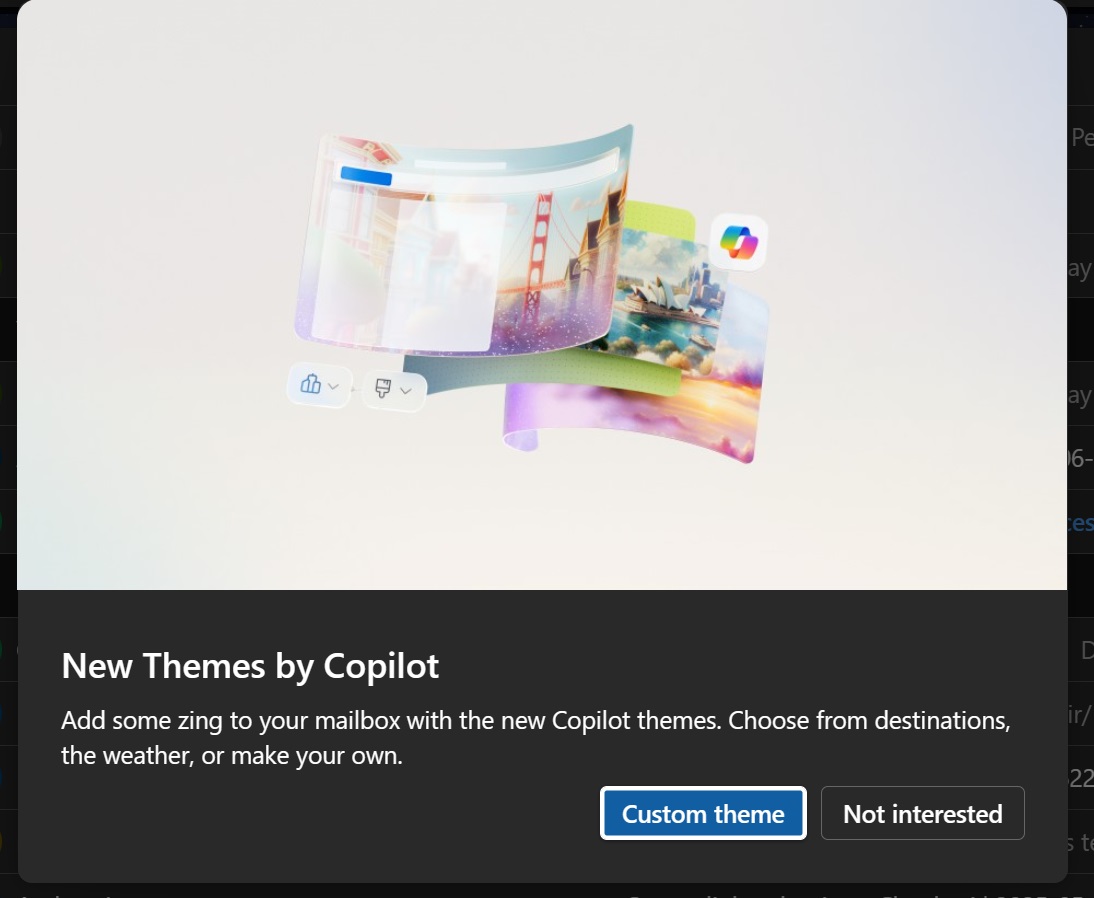
IT Home, Oct. 13 — Tech outlet Windows Latest reported today (Oct. 13) that Microsoft will disable the Copilot Themes feature in Microsoft Outlook worldwide in mid-to-late October 2026, covering the new Outlook on macOS and Windows as well as Outlook.com on the web. Copilot Themes is an AI interface customisation feature Microsoft introduced to the new Outlook: users can have Copilot generate a theme from a prompt to change the visual style of Outlook. After choosing the Copilot Themes entry in Outlook, users can type a description or pick a preset direction, and Copilot generates the theme, which is then applied to the Outlook interface. The feature shipped as a headline update for the new Outlook on Windows 10 and Windows 11; the outlet speculates that it did not reach Microsoft's expected usage, which is why the company decided to retire it worldwide in mid-to-late October. Microsoft will also remove Outlook's 'Wrap up your day', which sends a prompt to Copilot to produce a concise inbox summary shown in the right-hand sidebar. At the same time, Microsoft plans an October 2026 update to the Outlook Copilot experience with a simplified, chat-centric design and improvements to navigation, chat layout and Work IQ controls.
IT之家 10 月 13 日消息,科技媒体 Windows Latest 今天(10 月 13 日)发布博文, 报道称微软将于 2026 年 10 月中下旬在全球停用 Microsoft Outlook 中的 Copilot 主题功能, 覆盖 macOS 和 Windows 新版 Outlook,以及网页版 Outlook.com 。 IT之家援引博文介绍,Copilot 主题是微软为新版 Outlook 引入的 AI 界面定制功能,用户可让 Copilot 根据提示生成主题,用于改变 Outlook 界面的视觉风格。 用户在 Outlook 中选择 Copilot 主题入口后,可输入描述或选择预设方向,由 Copilot 生成相应主题。生成后,主题会应用在 Outlook 界面上。 该功能曾作为 Windows 10、Windows 11 新版 Outlook 重要更新推出,该媒体推测实际使用该功能的用户数量未达微软公司预期,因此微软才决定 10 月中下旬全球停用该功能。 微软还将移除 Outlook 的“Wrap up your day”,该功能向 Copilot 发送提示,生成简明收件箱摘要,并在右侧边栏展示结果。 微软同时计划在 2026 年 10 月更新 Outlook 的 Copilot 体验,采用简化、以聊天为中心的设计,并改进导航、聊天布局和 Work IQ 控件。
想马上用起来?去「AI工具」栏挑一个直接下载,或在「AI教程」里跟着图文步骤做一遍。
去 AI工具 → 看 AI教程 →阅读与点赞数据保存在你的浏览器本地,欢迎留下你的想法。
 今日正能量学一点,用一点;今天种下的种子,会长成明天的能力。去免费下载专区 →广告
评论 文明发言,让讨论更有价值