Huawei’s Xu Songyu: Kirin 9050 Pro’s Maleoon GPU is 40% faster, debuts industry-first 200MP fused ISP华为徐松余:麒麟 9050 Pro 马良 GPU 性能提升 40%,搭载业界首个 2 亿高像素融合 ISP
At Huawei’s 2026 Kirin media briefing in Shanghai on 13 October, Xu Songyu of Huawei’s semiconductor business said the Kirin 9050 Pro brings a nine-core, 16-thread Lingxi CPU and a Maleoon GPU that is 40% faster with 45% lower power…
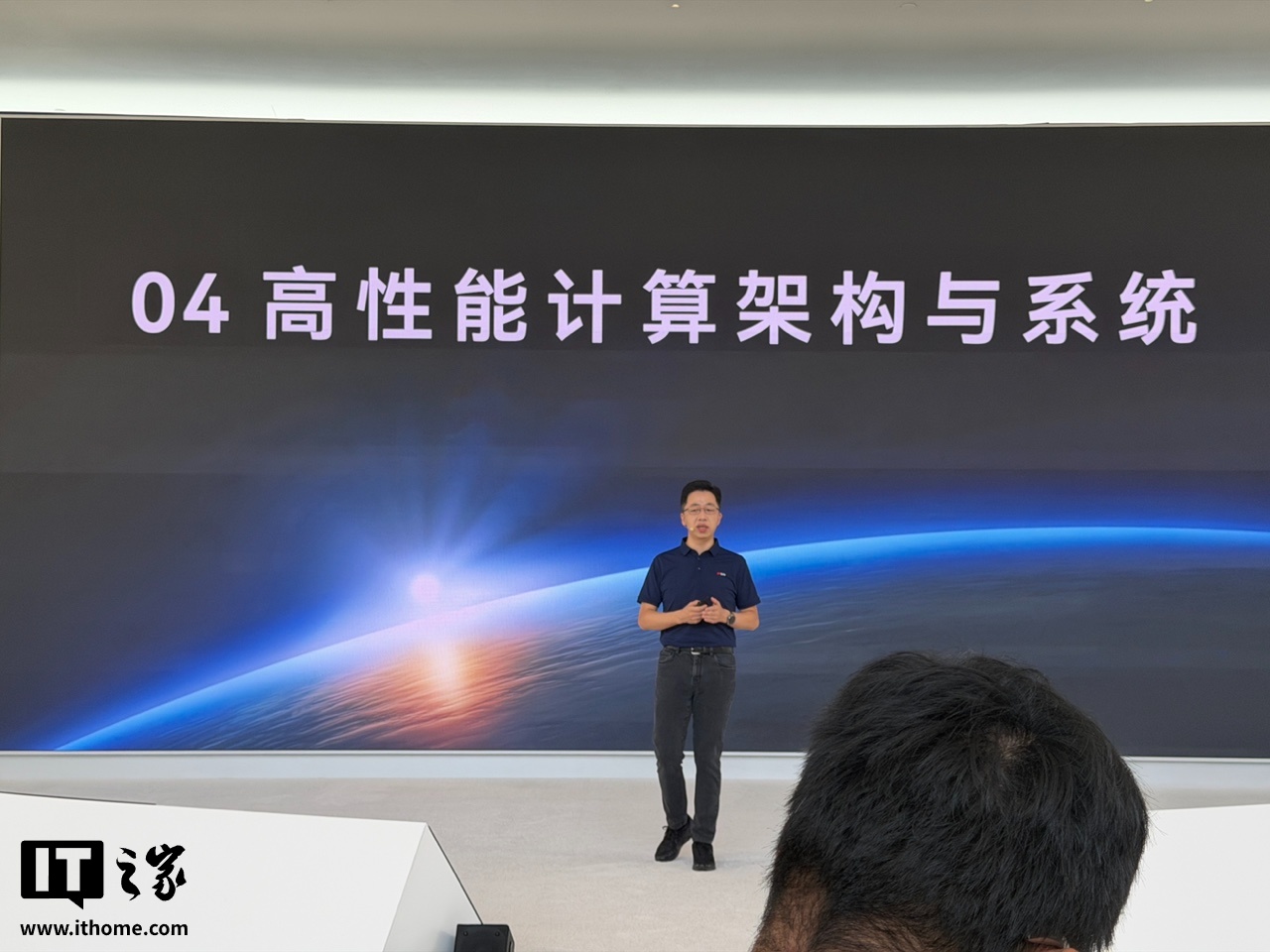
IT之家 10 月 13 日现场消息,华为今日(10 月 13 日)在上海练秋湖举办 2026 麒麟媒体沟通会,华为半导体业务无线终端芯片产品管理部部长徐松余发表演讲。 徐松余介绍, 麒麟 9050 …
Key Points要点速览
At Huawei’s 2026 Kirin media briefing held at Lianqiu Lake in Shanghai on 13 October, Xu Songyu, head of wireless terminal chip product management in Huawei’s semiconductor business, took the stage. He said the Kirin 9050 Pro carries a nine-core, 16-thread Lingxi CPU which, combined with HarmonyOS application parallelisation, cuts stutter in typical user scenarios by 31%. Its Maleoon GPU uses a fourth-generation microarchitecture with second-generation hardware ray tracing, delivering 40% more GPU performance, 45% lower power and 78% better ray-tracing performance. With the XEngine engine, the Kirin 9050 Pro supports distributed AI super-resolution, while its display-control separation technology improves in-game control feel. On imaging, the Kirin 9050 Pro introduces an all-new AI ISP architecture that markedly improves video quality and debuts the industry’s first 200MP fused ISP, doubling pixel throughput for a big jump in photo quality. The new ISP also brings 18EV dynamic range, real-time pixel-level skin-tone segmentation and support for the BT.2020 colour gamut.
IT之家 10 月 13 日现场消息,华为今日(10 月 13 日)在上海练秋湖举办 2026 麒麟媒体沟通会,华为半导体业务无线终端芯片产品管理部部长徐松余发表演讲。 徐松余介绍, 麒麟 9050 Pro 搭载 9 核 16 线程灵犀 CPU ,搭配鸿蒙应用并行化优化,实现用户典型场景卡顿降低 31%。 麒麟 9050 Pro 的马良 GPU 采用第四代 GPU 微架构,带来第二代光线追踪硬加速技术, 实现 GPU 性能提升 40%、功耗降低 45%、光追性能提升 78% 。 IT之家在沟通会现场获悉,XEngine 引擎加持下,麒麟 9050 Pro 支持分布式 AI 超分技术,控显分离技术则能够提升游戏的操控体验。 影像方面,麒麟 9050 Pro 搭载全新 AI ISP 架构,实现视频画质大幅提升; 带来业界首个 2 亿高像素融合 ISP ,像素吞吐率提升 2 倍,拍照体验大提升。 新的 ISP 架构还带来 18EV 高动态范围、实时像素级肤色分割,并率先支持 BT.2020 色域。
想马上用起来?去「AI工具」栏挑一个直接下载,或在「AI教程」里跟着图文步骤做一遍。
去 AI工具 → 看 AI教程 →阅读与点赞数据保存在你的浏览器本地,欢迎留下你的想法。
 今日正能量学一点,用一点;今天种下的种子,会长成明天的能力。去免费下载专区 →广告
评论 文明发言,让讨论更有价值