Pi Programming Agent: A minimalist agent framework with 110,000 stars. Extensions, skills, and themes are all decided by you.Pi 编程智能体:11 万 Star 的极简智能体框架,扩展、技能、主题全由你定
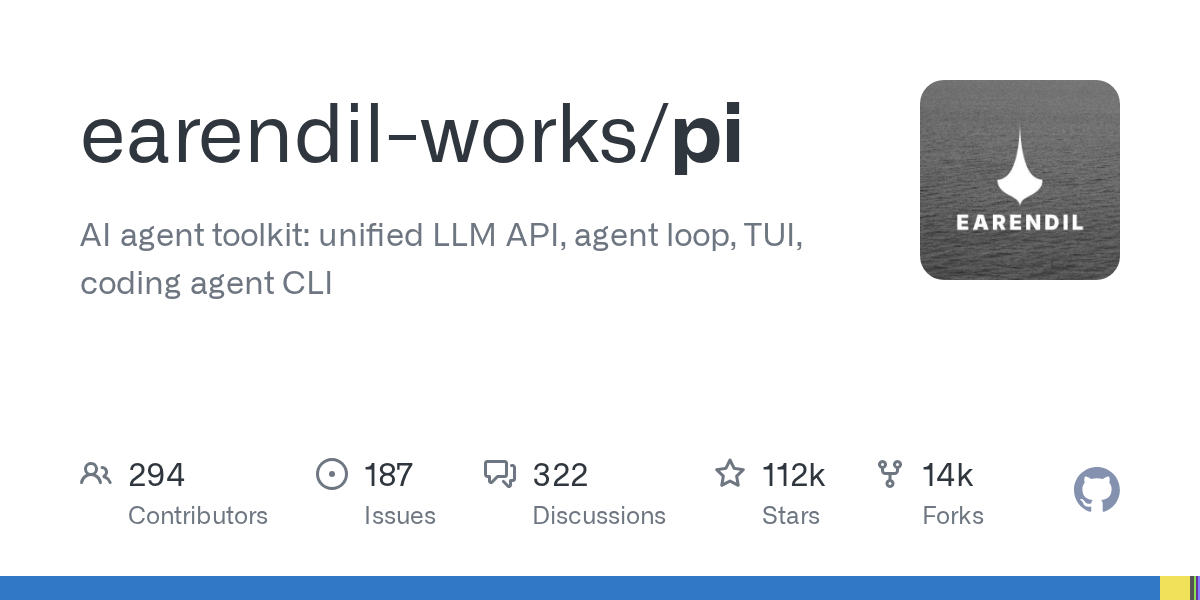
GitHub continues to dominate the AI agent toolkit list this week, with about 112,000 stars. Pi is a "minimalist but buildable" programming agent: a unified LLM interface, agent loop, TUI terminal interface and programming CLI are all available, but it deliberately does not have sub-agent and planning mode - whatever you need, let Pi write an extension by itself, or install a package made by others from npm.
GitHub 本周持续霸榜的 AI agent toolkit,约 11.2 万 Star。Pi 是一个「极简但可造」的编程智能体:统一 LLM 接口、agent 循环、TUI 终端界面和编程 CLI 一应俱全,但故意不带子智能体和计划模式——你需要什么,让 Pi 自己写一个扩展,或从 npm 装一个别人做好的包。
How is it different from Claude Code?它和 Claude Code 有什么不一样
Claude Code is "everything is included out of the box", while Pi is "the base is minimalist and the upper layer is fully open". It makes extensions, skills, prompt templates, and themes all first-class citizens, and can also be packaged into Pi packages for sharing through npm or git. The official only gives strong default values, and you can combine the rest - OpenClaw is a real implementation case based on Pi.
The usage methods are also comprehensive: interactive TUI, print/JSON automation mode, RPC remote control, and TypeScript SDK secondary development are all supported. After installation, cd to the project directory and type pi to start working. Just connect /login with the subscription or API Key.
Claude Code 是「开箱全都有」,Pi 是「底座极简、上层全开放」。它把扩展(extensions)、技能(skills)、提示词模板(prompt templates)、主题(themes)都做成一等公民,还能打包成 Pi 包通过 npm 或 git 分享。官方只给强默认值,其余由你组合——OpenClaw 就是基于 Pi 的真实落地案例。
使用方式也很全:交互式 TUI、print/JSON 自动化模式、RPC 远程控制、TypeScript SDK 二次开发都支持。装好后 cd 到项目目录敲 pi 就能开工,/login 连订阅或 API Key 即可。
Installation and prerequisites安装与前置条件
Requires Node.js 22.19 and above. The official one-command installation: curl -fsSL https://pi.dev/install.sh | sh (PowerShell installation script for Windows), or npm install -g --ignore-scripts @earendil-works/pi-coding-agent. The installer will fix all dependent versions, and then use pi update to upgrade with one click.
If you don’t want to worry about dependencies, you can directly use the official npm package of this site to install it offline. Version 1.0.2 can be used immediately after installation.
需要 Node.js 22.19 及以上。官方一条命令安装:curl -fsSL https://pi.dev/install.sh | sh(Windows 用 PowerShell 安装脚本),或 npm install -g --ignore-scripts @earendil-works/pi-coding-agent。安装器会固定全部依赖版本,之后 pi update 一键升级。
不想折腾依赖的可以直接用本站的 npm 官方包离线安装,版本 1.0.2,装完即用。
Download instructions下载说明
The download button provides the tgz installation package (about 7.5 MB) of the npm official package @earendil-works/pi-coding-agent v1.0.2. npm install -g package file name can be installed offline, or you can decompress and view the source code.
下载按钮提供 npm 官方包 @earendil-works/pi-coding-agent v1.0.2 的 tgz 安装包(约 7.5 MB),npm install -g 包文件名 即可离线安装,也可解压查看源码。
Use reminder使用提醒
This article compiles public information and attaches supporting resources; Pi itself does not include any model quota, and the fees incurred for calling each model are billed according to your own subscription or API. The resources are for learning and communication only, please follow the source license.
本文整理自公开资料并附上配套资源;Pi 本体不含任何模型额度,调用各家模型产生的费用按你自己的订阅或 API 计费。资源仅供学习交流,请遵循来源许可。
⬇ Download · 点击下载:Pi Coding Agent v1.0.2 npm 官方包(约 7.12 MB)
来自 npm 官方源 @earendil-works/pi-coding-agent,对应 GitHub 仓库 earendil-works/pi
阅读与点赞数据保存在你的浏览器本地,欢迎留下你的想法。
 今日正能量学一点,用一点;今天种下的种子,会长成明天的能力。去免费下载专区 →广告
评论 文明发言,让讨论更有价值