PPT Master skill: have Claude Code produce native PowerPoint files with transitions, charts and voiceoverPPT Master 技能包:让 Claude Code 直接产出带动画、图表、配音的原生 PPT 文件
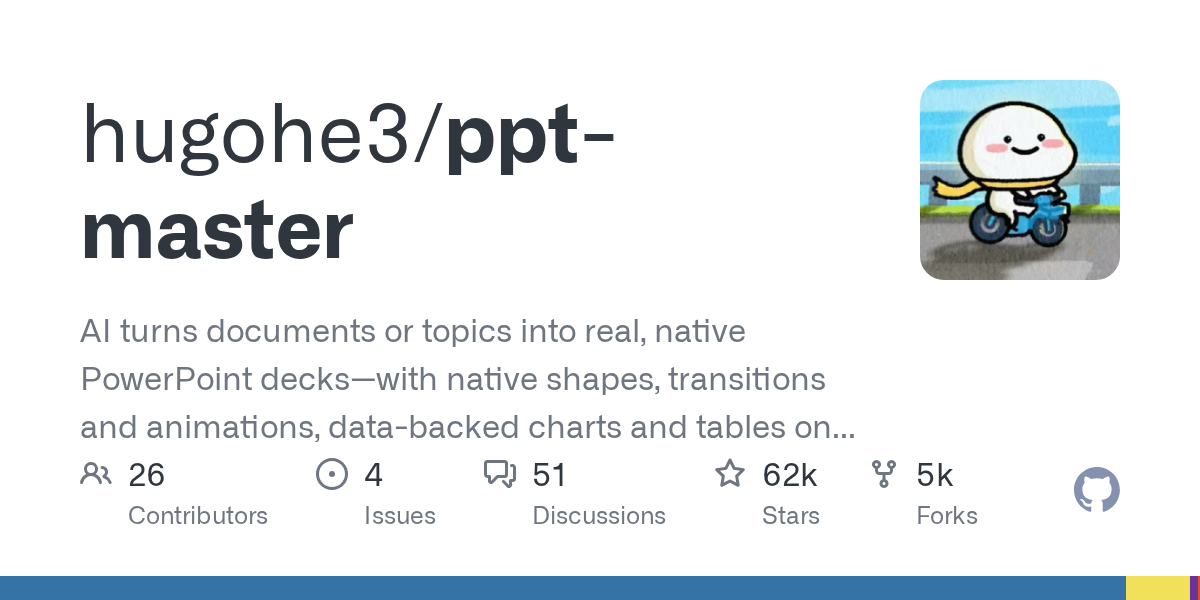
Most "AI slide generators" hand you a long screenshot or a web page. PPT Master (62,000+ stars, MIT) takes another route: installed as a skill into Claude Code and friends, it produces real native .pptx files — native shapes, slide transitions, data-backed charts, tables and even narrated voiceover — fully editable in PowerPoint or WPS.
多数「AI 生成 PPT」只能给你一张长图或一个网页。PPT Master(62,000+ 星、MIT 许可)走另一条路:作为技能装进 Claude Code 等智能体后,它直接产出真正的 .pptx 原生文件——原生形状、切换动画、数据图表、表格甚至旁白配音都齐了,拿到 PowerPoint/WPS 里可以继续编辑。
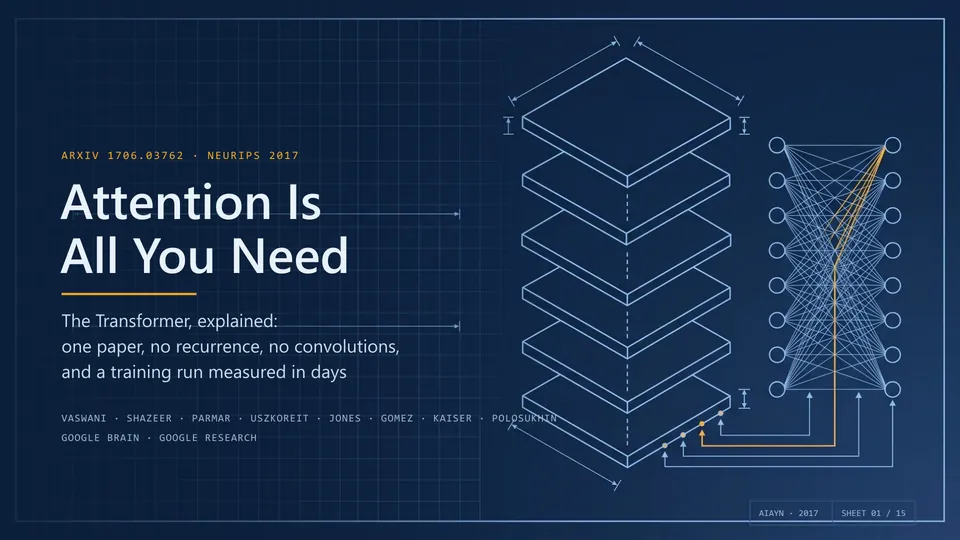
How it differs from typical AI slide generators它和普通 AI 生成 PPT 有什么不同
Typical tools produce web-based slides or images with hard-coded styling — even changing a font size means fighting the tool. PPT Master manipulates native .pptx objects, so shapes, text boxes and charts stay editable.
It supports transitions and entrance animations for both slides and elements — something most similar tools cannot do.
It can even add voiceover: generated narration audio embedded into the deck, great for courses, reports and product intros.
常见工具生成的是网页版幻灯片或图片,导出后样式写死,想改个字号都得求工具。PPT Master 直接操作 .pptx 的原生对象,形状、文本框、图表都是可编辑元素。
支持切换与动画:页面切换、元素进场动画都能做出来,这一点绝大多数同类工具做不到。
还能给幻灯片配音:生成旁白音频并嵌进文件,适合做课程、汇报和产品介绍。
Feature checklist能力清单
Topics and documents: give it a topic or a file, get an outline first, then page-by-page layouts; existing documents can be converted directly.
Data charts: it renders native charts and tables from your data instead of pasting a screenshot.
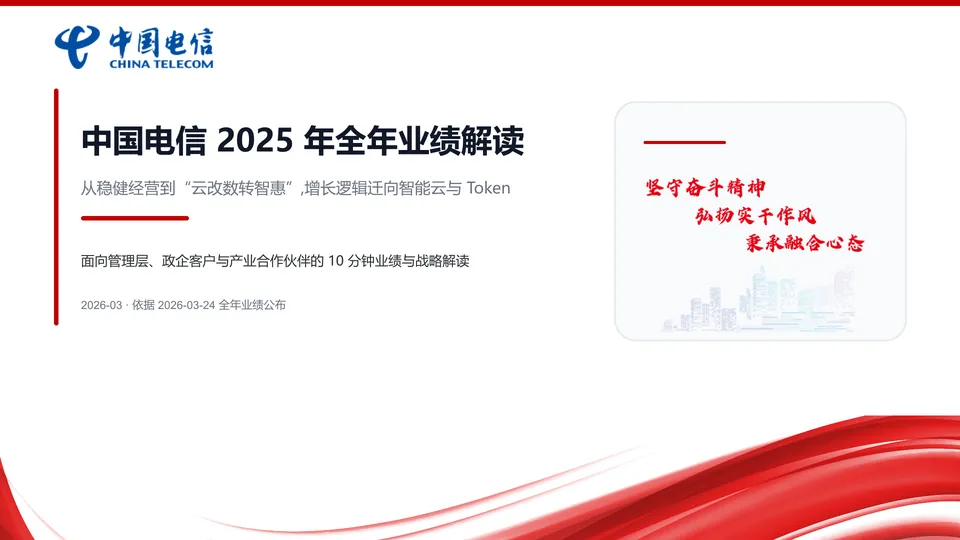
Engines and themes: multiple rendering engines and built-in theme styles, friendly Chinese typography, plus a large gallery of sample screenshots in the repo.
主题与版式:给一个主题或一份文档,它先出大纲,再逐页排版;已有文档可以直接转成 PPT。
数据图表:读取你给的数据生成原生图表与表格,而不是贴一张截图。
多引擎与模板:支持多种渲染引擎与内置主题风格,中文排版友好,官方仓库还有大量示例截图。
How to install怎么安装
Download the skill pack below (v6.7.0 full package, about 21.5MB), unpack it, and place the skill folder into Claude Code's skills directory (or install it with your agent's skill installer).
Once installed, just tell Claude Code "use ppt-master to turn this document into a deck" and it will run the full outline, layout and rendering pipeline.
Animations and voiceover rely on extra rendering components; the first run will prompt you to install any missing dependencies.
下载本文的技能包(v6.7.0 完整包,约 21.5MB),解压后把技能目录放进 Claude Code 的 skills 目录(或用你智能体的技能安装命令安装)。
装好后在 Claude Code 里直接说「用 ppt-master 把这份文档做成 PPT」,它就会走完大纲、排版、渲染的完整流程。
生成动画与配音会调用额外的渲染组件,首次使用按提示补齐依赖即可。

Download instructions下载说明
The download button provides the full skill pack from the official hugohe3/ppt-master v6.7.0 GitHub release (MIT license) — unpack and use.
The project is also mirrored on AtomGit for faster access in China; releases move fast, so watch the releases page.
下载按钮提供 GitHub hugohe3/ppt-master v6.7.0 官方 Release 的完整技能包(MIT 许可),解压即用。
仓库同时发布在 AtomGit,国内网络访问更快;版本更新频繁,建议关注 Release 页。
Use reminder使用提醒
This article is compiled from public sources and ships with the matching resource. Product features and pricing are subject to the official page. Resources are for learning and exchange only — please respect the original license.
本文整理自公开资料并附上配套资源;涉及产品的功能与价格以官方页面为准。资源仅供学习交流,请遵循来源许可。
⬇ Download · 点击下载:ppt-master-skill v6.7.0 完整技能包(21.51MB)
来自 GitHub hugohe3/ppt-master v6.7.0 官方 Release(MIT 许可),解压后把技能目录放入智能体的技能目录即可。
阅读与点赞数据保存在你的浏览器本地,欢迎留下你的想法。
 今日正能量学一点,用一点;今天种下的种子,会长成明天的能力。去免费下载专区 →广告
评论 文明发言,让讨论更有价值