Text tutorial: Five steps to install Read Frog, web bilingual control + free plan for Chinese subtitles on YouTube图文教程:五步装好 Read Frog,网页双语对照 + YouTube 中文字幕的免费方案
Get your hands on the frog: from downloading the extension, turning on the full page bilingual control, to configuring the free translation engine (at no cost), opening the YouTube bilingual subtitles, and finally playing with the transcription translation and the raw word explanation.
手把手带你装好陪读蛙:从下载扩展、开启整页双语对照,到配置免费翻译引擎(不花一分钱)、打开 YouTube 双语字幕,最后玩转划词翻译和生词讲解,一篇跑通。
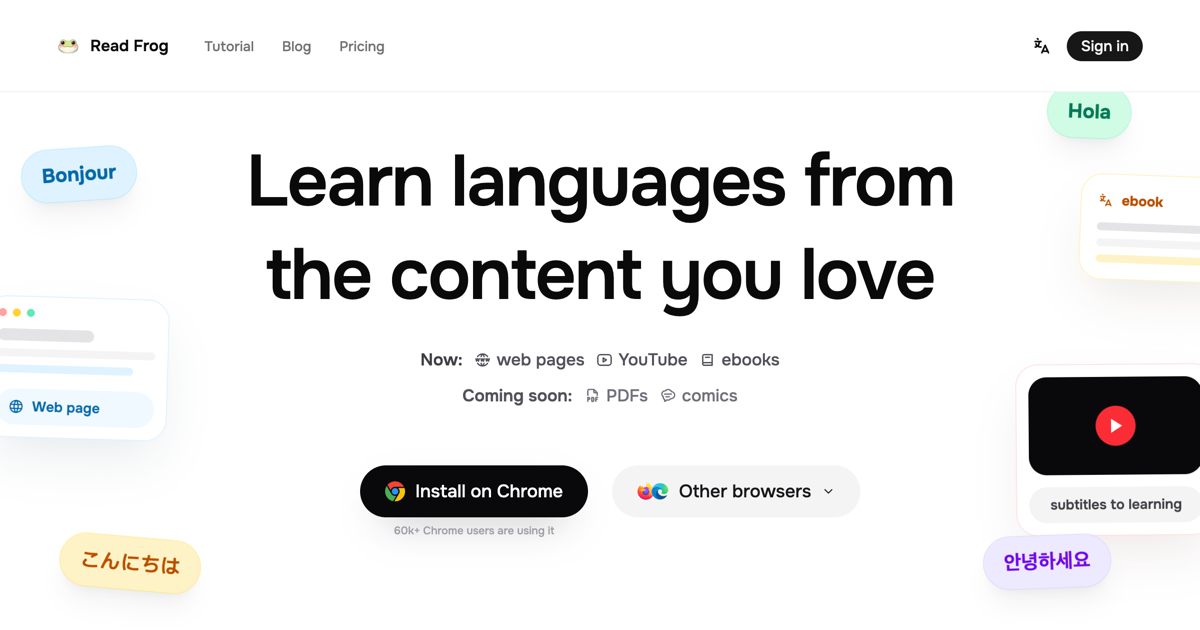
Step 1: Download and install the extension第一步:下载并安装扩展
Download the Read Frog v1.50.1 Chrome expansion package (about 7.5 MB) from the "AI Plugins" section of this site and extract it to any directory.
Open Chrome, enter chrome://extensions in the address bar, open "Developer Mode" in the upper right corner, click "Load Extracted Extensions", and select the extracted folder. Once installed, secure the frog icon on the toolbar.
到本站「AI插件」栏目下载 Read Frog v1.50.1 Chrome 扩展包(约 7.5 MB),解压到任意目录。
打开 Chrome,地址栏输入 chrome://extensions 回车,右上角打开「开发者模式」,点「加载已解压的扩展程序」,选中解压出来的文件夹即可。装好后在工具栏把青蛙图标固定住。
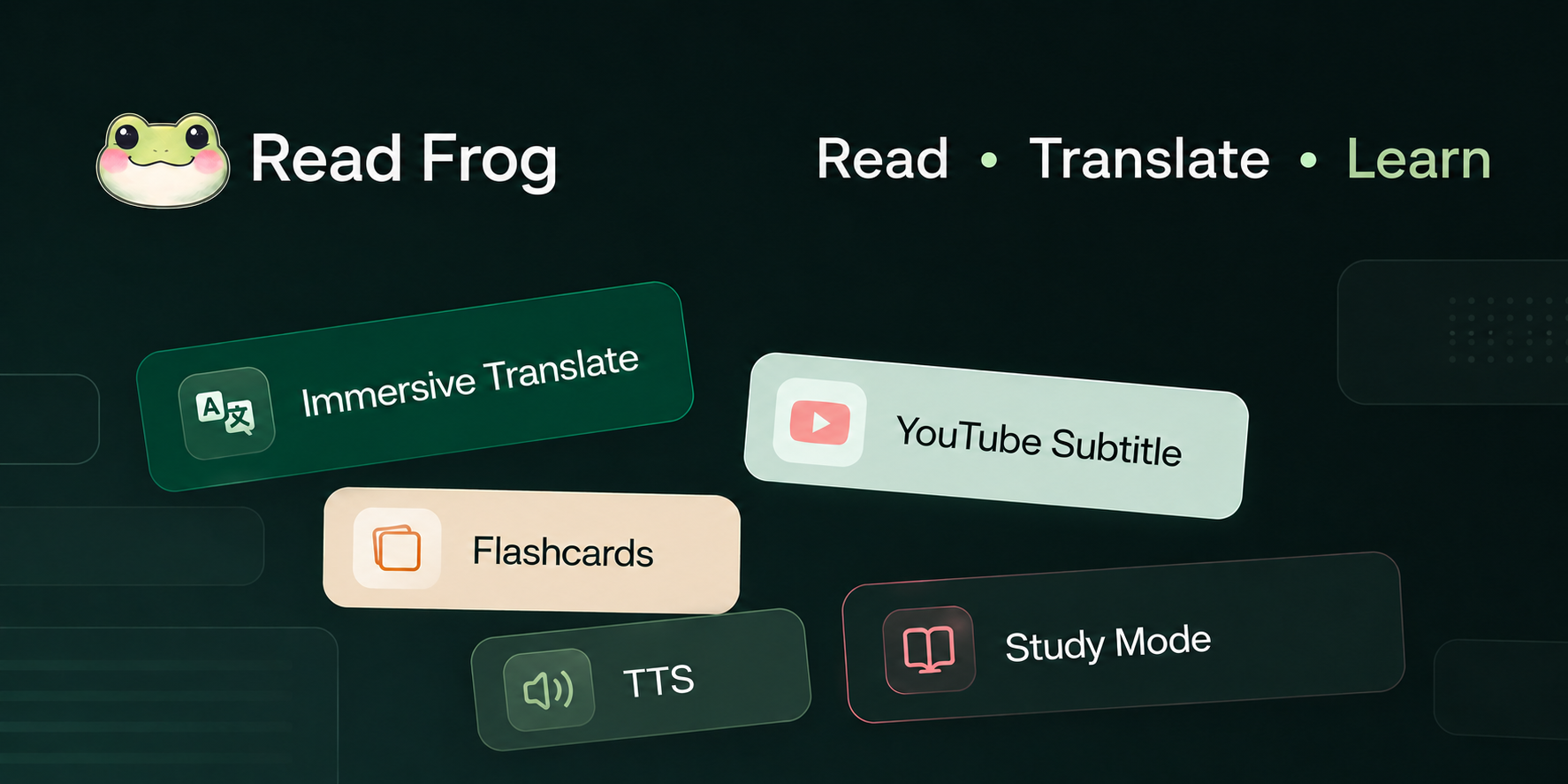
Step 2: Turn on full page bilingual controls第二步:打开整页双语对照
Click the plug-in icon to enter the settings, and select "bilingual" first for the translation mode. Open any English web page, click the float on the page (or press the shortcut key Alt + T), and the entire page will immediately become the original plus the translation. The font color will inherit the original station and will not mess up the layout.
If you feel that the bilingual language is too noisy, you can cut "only translated" in the pop-up window, and you can temporarily look back at the original text with the mouse over the translated text; the four display styles (underlined, dashed box, highlighted, and quoted bar) are casually changed in the settings.
点插件图标进入设置,翻译模式先选「双语」;打开任意英文网页,点一下页面上的浮球(或按快捷键 Alt+T),整页立刻变成原文加译文上下对照,字体颜色大小都继承原站,不会把排版搞乱。
觉得双语太吵就在弹窗里切到「仅译文」,鼠标悬停译文可临时回看原文;四种显示样式(下划线、虚线框、高亮、引用条)在设置里随便换。
Step 3: With a free translation engine第三步:配一个免费翻译引擎
Totally free route: In the settings, the engine chooses Google Translate or Microsoft Translate, you don't need to fill in anything, daily reading is enough, and local OCR picture words are also free offline.
For higher quality: Fill in a DeepSeek or Gemini API Key (supporting more than 20 service providers), and the translation will be translated according to the entire context; local Ollama can also pick up, the data can not be native.
Money-saving tips: Keep bulk requests merged and turned on, and official data can save up to 70% on API call fees.
完全免费的路线:设置里引擎选 Google 翻译或微软翻译,什么都不用填,日常阅读够用,本地 OCR 图片取词同样免费离线。
想要更高质量:填一个 DeepSeek 或 Gemini 的 API Key(支持 20 多家服务商),翻译会按整篇上下文来翻;本地跑 Ollama 也能接,数据不出本机。
省钱技巧:保持批量请求合并开启,官方数据最高能省 70% 的 API 调用费。

Step 4: Open YouTube bilingual subtitles第四步:打开 YouTube 双语字幕
Turn on any subtitle in the YouTube video player first, and Read Frog will automatically add a Chinese translation below the subtitle to form a bilingual subtitle. The subtitle box can be directly dragged to the position, dragged to the edge, and the setting will remember your preferences.
This capability is not limited to YouTube, and applies to any video player with standard caption tracks.
在 YouTube 视频播放器里先开启任意一条字幕,Read Frog 会自动在字幕下方追加中文翻译,形成双语字幕;字幕框可以直接拖动位置、拖边缘调大小,设置会记住你的偏好。
这个能力不限于 YouTube,任何带标准字幕轨的视频播放器都适用。
Step 5: Scribing Translation and Interpretation第五步:划词翻译和讲解
Select a piece of text, a small translation icon will appear at the end, click to open the translation card: retranslatable, temporarily switchable engine, copyable, readable; press Esc or click elsewhere to close.
Language learning scenarios: Fill in your target language and level in the settings. After crossing words, in addition to translation, we will give explanations for your level. Words and example sentences are clear at a glance.
选中一段文字,末尾会出现一个小翻译图标,点开是翻译卡片:可重翻、可临时切换引擎、可复制、可朗读;按 Esc 或点别处即可关闭。
语言学习场景:在设置里填你的目标语言和水平,划词后除了翻译还会给出针对你水平的讲解,生词、例句一目了然。
Use reminder使用提醒
The accompanying resource for this tutorial is the Read Frog v1.50.1 Chrome expansion package, see the AI Plugins section. Cloud translation needs to come with its own API Key and pay attention to the cost. It is recommended to use a local model for sensitive pages. This article compiles self-public information, and the resources are only for learning and communication.
本教程配套资源为 Read Frog v1.50.1 Chrome 扩展包,见「AI插件」栏目。云端翻译需自带 API Key 并注意费用,敏感页面建议用本地模型。本文整理自公开资料,资源仅供学习交流。
本篇为图文教程,直接按步骤操作即可,无需下载文件。
阅读与点赞数据保存在你的浏览器本地,欢迎留下你的想法。
 今日正能量学一点,用一点;今天种下的种子,会长成明天的能力。去免费下载专区 →广告
评论 文明发言,让讨论更有价值