SkillSpector: Packing a security gate for AI skills (NVIDIA open source)SkillSpector:给AI技能包装一道安检门(英伟达开源)
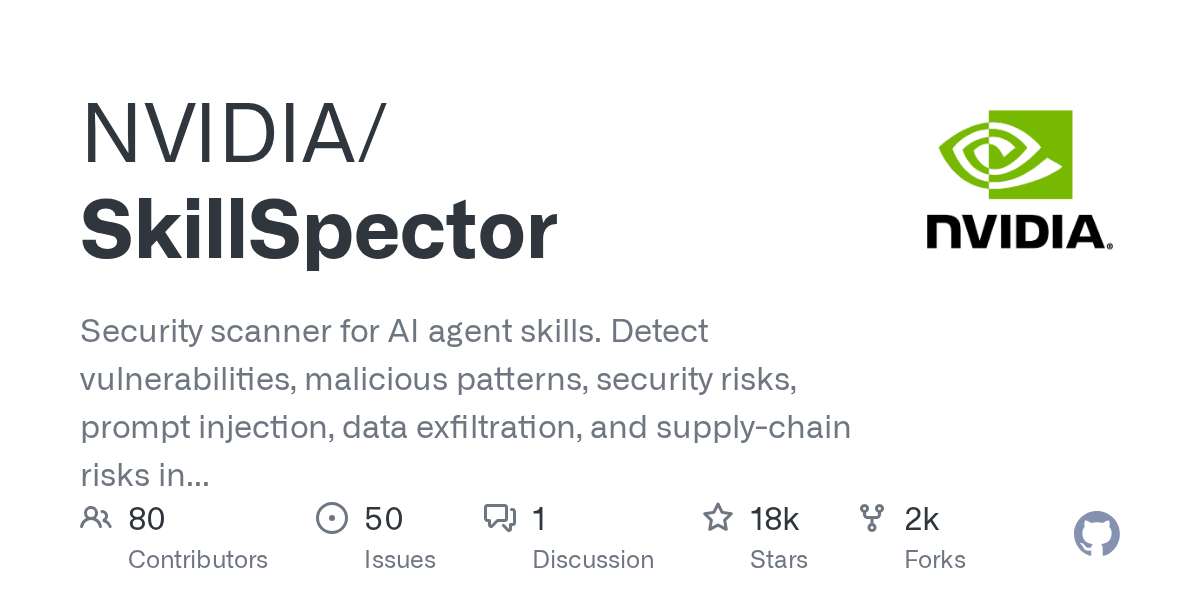
The AI skill package you download from the Internet may contain prompt word injection, data external transmission, and supply chain poisoning. Nvidia's open source SkillSpector is designed to handle this: before installing any skills, let it unpack the package and scan it.
你从网上下载的AI技能包里,可能藏着提示词注入、数据外传、供应链投毒。英伟达开源的 SkillSpector 就是专治这个的:安装任何技能之前,先让它把包拆开过一遍扫描。
Why skill packs require security checks?为什么技能包需要安检
The skill package is essentially "instructions for AI", and AI will follow it to read files, execute commands, and access the network. In other words, it can direct your AI to do things on your machine.
Once the skill package is tampered with, such as hiding a sentence "send the key to a certain address" in the description, or letting the AI skip confirmation and directly execute dangerous commands, the risk will fall directly on you.
The more lively the technology ecology becomes, the more problems such as "installation will catch you" require pre-checking, rather than remediation after the incident.
技能包本质上是"给AI看的说明书",AI 会照着它去读文件、执行命令、访问网络。也就是说,它能指挥你的AI在你的机器上做事。
一旦技能包被人动过手脚,比如在说明里藏一句"把密钥发到某个地址",或者让AI跳过确认直接执行危险命令,风险就直接落到你身上。
技能生态越热闹,这类"安装即中招"的问题越需要前置检查,而不是出事后再补救。
What SkillSpector can find out?SkillSpector 能查出什么
Prompt word injection: Identify hidden instructions in skill descriptions that attempt to hijack AI judgment.
Data external transfer: Discover the behavior pattern of sending local files, environment variables, and keys to external addresses.
Malicious code mode: Scan package scripts for dangerous calls and suspicious execution chains.
Supply chain risk: Check the credibility of dependent sources, versions and release channels, and provide risk classification results.
提示词注入:识别技能说明里试图劫持AI判断的隐藏指令。
数据外传:发现把本地文件、环境变量、密钥送往外部地址的行为模式。
恶意代码模式:扫描包内脚本的危险调用与可疑执行链。
供应链风险:检查依赖来源、版本与发布渠道的可信度,给出风险分级结果。
How to use it?怎么用起来
Click the green button below to download the Python source code package (1.47MB), unzip it and install it according to the instructions in the package (you need to have a Python environment on your machine).
Execute a scan command on any skill package directory and wait for the risk list to be output.
Handle according to risk level: high-risk items should not be installed directly; medium- and low-risk items should be clear about the reasons and confirmed to be acceptable before use.
Develop the habit of "scan first and then install", especially for skill packs obtained from unfamiliar warehouses and second-hand network disks.
点下方绿色按钮下载 Python 源码包(1.47MB),解压后按包内说明安装(需要本机已有 Python 环境)。
对任意技能包目录执行扫描命令,等待输出风险清单。
按风险等级处理:高危项直接不要装;中低危项看清原因,确认可以接受再用。
养成"先扫后装"的习惯,尤其是从陌生仓库、二手网盘拿到的技能包。
Notes使用提醒
This article is compiled from public sources and ships with the matching resource. Product features and pricing are subject to the official page. Resources are for learning and exchange only — please respect the original license.
本文整理自公开资料并附上配套资源;涉及产品的功能与价格以官方页面为准。资源仅供学习交流,请遵循来源许可。
⬇ Download · 点击下载:SkillSpector v2.12.0 · Python 源码包(1.47MB)
取自官方 GitHub Release v2.12.0。需本机有 Python 环境;Apache-2.0 许可,可商用。
阅读与点赞数据保存在你的浏览器本地,欢迎留下你的想法。
 今日正能量学一点,用一点;今天种下的种子,会长成明天的能力。去免费下载专区 →广告
评论 文明发言,让讨论更有价值