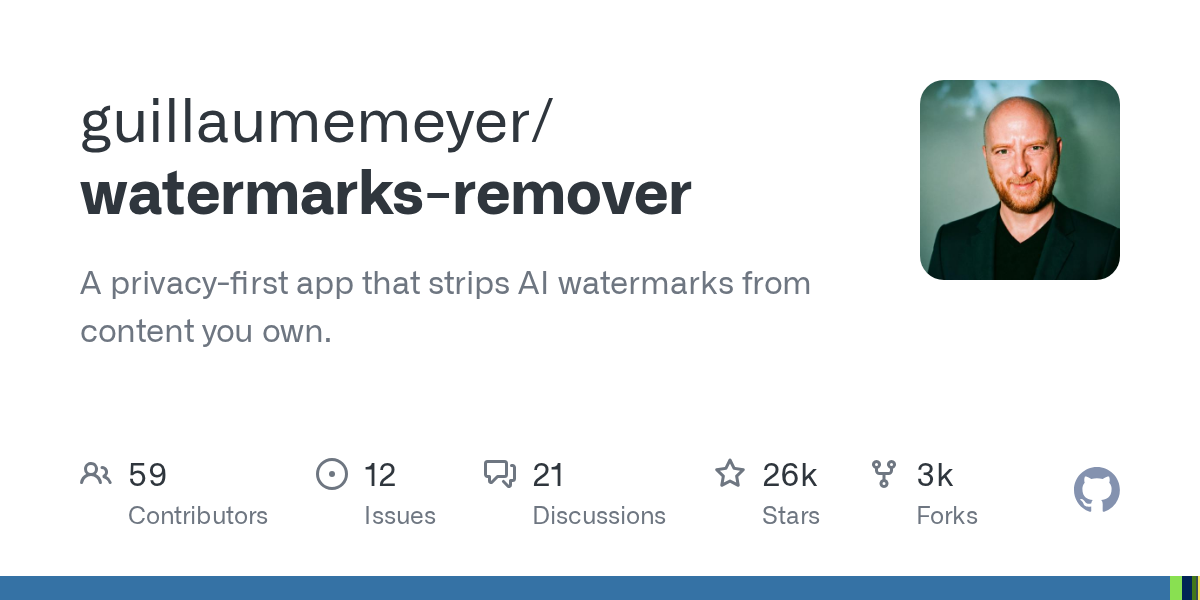
watermarks-remover: 25,000-star open source plugin to clean up the AI watermarks Claude, Gemini, OpenAI buried in your fileswatermarks-remover:2.5 万星开源插件,把 Claude、Gemini、OpenAI 埋在你文件里的 AI 水印一次性剥干净
The documents you ask AI to help write and the images you generate may contain invisible "ID cards": invisible Unicode characters, statistical text watermarks, C2PA/EXIF metadata, all quietly marked "This content is generated by AI". This open source project in October studied the traceability marks of major manufacturers thoroughly, added a proxy skill to the service implemented by a pure Python standard library, and cleaned them on your own computer - no online uploads, no touching other people's content, and focused on "only handling your own things".
你让 AI 帮忙写的文档、生成的图片,里面可能藏着看不见的「身份证」:不可见的 Unicode 字符、统计型文本水印、C2PA/EXIF 元数据,都在悄悄标注「这段内容由 AI 生成」。这个 10 月蹿红的开源项目把各大厂商的溯源标记研究了个透,用一个纯 Python 标准库实现的服务加一个代理技能,在你自己的电脑上把它们清干净——不联网上传、不碰别人的内容,主打一个「只处理你自己的东西」。
What exactly can it find out?它到底能查出什么
The first layer is the invisible traces in the text: zero-width characters, special spaces, two-way typographic controls, Unicode label characters, such markers are completely invisible to the naked eye, but the machine sweeps them one by one. Projects are handled with deterministic Python scripts, not models.
The second layer is statistical text watermarking: algorithmic watermarks such as SynthID-Text, Kirchenbauer Green List, Aaronson keying Gumbel, etc., cannot be detected by conventional means. The project is handled with a proxy rewrite plus an optional rewrite_text.py hook, which lets the model reorganize the content and the watermark naturally disappears.
The third layer is file metadata: C2PA credentials, EXIF, XMP, Office document properties, covering more than two dozen formats such as PNG, JPEG, WebP, PDF, DOCX, XLSX, PPTX, EPUB, MP4, MP3, etc. Checking and cleaning have corresponding entries.
第一层是文本里的隐形痕迹:零宽字符、特殊空格、双向排版控制符、Unicode 标签字符,这类标记肉眼完全不可见,但机器一扫一个准。项目用确定性的 Python 脚本处理,不靠模型猜。
第二层是统计型文本水印:像 SynthID-Text、Kirchenbauer 绿名单、Aaronson 键控 Gumbel 这类「按概率挑词」的算法水印,常规手段查不出来。项目采用代理重写加可选的 rewrite_text.py 钩子来处理,也就是让模型把内容重新组织一遍,水印自然消失。
第三层是文件元数据:C2PA 凭证、EXIF、XMP、Office 文档属性,覆盖 PNG、JPEG、WebP、PDF、DOCX、XLSX、PPTX、EPUB、MP4、MP3 等二十多种格式,检查和清理都有对应入口。
The architecture is clever: skills are the shell, services are the core架构很聪明:技能是壳,服务是核
The author puts the implementation all in a local HTTP service (/health,/inspect,/clean, and/capabilities) that only uses the Python standard library. The skill itself does not come with a single line of code, and is only responsible for calling the interface on demand in the proxy hosts of Claude Code, Codex, and Cursor.
The advantage of this is that the host side is zero dependency: your Claude Code does not need to install a Python environment, and it does not matter where the service runs or what version it uses; change the proxy tool, and the service will remain intact.
There is also a more worry-free gameplay: the plugin registers the PostToolUse hook, and the agent automatically passes the detection every time it writes a file. The default check mode only reports no action. Set the watermarks_hook_mode to clean to clear as soon as it is written.
作者把实现全部放在一个只用 Python 标准库的本地 HTTP 服务里(/health、/inspect、/clean、/capabilities 四个接口),技能本身一行代码都不带,只负责在 Claude Code、Codex、Cursor 这些代理宿主里按需调用接口。
这样做的好处是宿主端零依赖:你的 Claude Code 不需要装 Python 环境,服务跑在哪、用什么版本都无所谓;换个代理工具,服务原封不动接着用。
还有一个更省心的玩法:插件注册了 PostToolUse 钩子,代理每次写文件都自动过一遍检测。默认 check 模式只报告不动手,把 WATERMARKS_HOOK_MODE 设成 clean 就变成写完即清。
Installation: Two routes to choose from安装:两条路线任选
Plugin route (recommended): execute/plugin marketplace add guillaumemeyer/watermarks-remover in Claude Code, then/plugin install watermarks-remover @ watermarks-remover, and then update in place.
Script route: universal for any proxy host, python3 install_skill.py --skill remove-ai-marks --target claude-code (also supports codex, cursor, cowork, etc.), replace python3 with py on Windows.
No matter which route you take, the remove-ai-marks skill needs to start the local service first: make serve, or py service/scripts/server.py --host 127.0.0.1 --port 8765.
If you just want to clear the text and don't want to run the service, install another skill clean-user-facing-text that comes with it. It doesn't rely on the service and comes with all the text cleaning logic.
插件路线(推荐):在 Claude Code 里执行 /plugin marketplace add guillaumemeyer/watermarks-remover,再 /plugin install watermarks-remover@watermarks-remover,之后还能原地更新。
脚本路线:任意代理宿主通用,python3 install_skill.py --skill remove-ai-marks --target claude-code(也支持 codex、cursor、cowork 等),Windows 上把 python3 换成 py。
不管走哪条路线,remove-ai-marks 技能都需要先启动本地服务:make serve,或者 py service/scripts/server.py --host 127.0.0.1 --port 8765。
只想清文本、不想跑服务的话,装自带的另一个技能 clean-user-facing-text,它不依赖服务、自带全部文本清理逻辑。
The command line is straightforward to check, and it can be used without installing the plug-in命令行直查直清,不装插件也能用
The scripts in the service can run independently: python3 scripts/inspect_file.py draft.md first see what traces, clean_file.py draft.md -o draft.cleaned.md output a clean version, the picture is the same as the Office document.
Plain text go to inspect_text.py and clean_text.py, plus --stats can also see the cleanup statistics.
It can also be embedded as a component in its own process: the HTTP interface is prepared for external programs, and any web application can directly/inspect and/clean.
服务里的脚本都能单独跑:python3 scripts/inspect_file.py draft.md 先看有什么痕迹,clean_file.py draft.md -o draft.cleaned.md 输出干净版本,图片和 Office 文档同理。
纯文本走 inspect_text.py 和 clean_text.py,加 --stats 还能看到清理统计。
也可以把它当组件嵌进自己的流程:HTTP 接口就是给外部程序准备的,任何 Web 应用都能直接调 /inspect 和 /clean。
Download instructions下载说明
The download button provides the GitHub main branch full source code package (zip, 0.71 MB), including skill definitions, local services, installation scripts, hooks, and full documentation, licensed by mit.
The project should only deal with content that you own or have the right to deal with, and use it to hide the AI signature of another person's work may violate local laws and platform rules, please use it only for "cleaning up your own output".
下载按钮提供 GitHub 主分支全量源码包(zip,0.71MB),含技能定义、本地服务、安装脚本、钩子与完整文档,MIT 许可。
项目只应处理你拥有或有权处理的内容,用于隐去他人作品的 AI 署名可能违反当地法律与平台规则,请只把它用在「清理自己产出的内容」上。
Use reminder使用提醒
The cleaning of statistical watermarks depends on model rewriting, and the effect is related to the selected model. The cleaning of file metadata and invisible characters is deterministic, so you can run in batches with confidence. This article is compiled from the public documentation of the project. The specific interface and behavior are subject to the warehouse README.
统计型水印的清理依赖模型重写,效果与所选模型有关;文件元数据与隐形字符的清理是确定性的,可放心批量跑。本文整理自项目公开文档,具体接口与行为以仓库 README 为准。
⬇ Download · 点击下载:watermarks-remover 源码包(0.71MB)
取自 GitHub guillaumemeyer/watermarks-remover 主分支,MIT 许可,含代理技能、本地清理服务、安装脚本与 PostToolUse 钩子。
阅读与点赞数据保存在你的浏览器本地,欢迎留下你的想法。
 今日正能量学一点,用一点;今天种下的种子,会长成明天的能力。去免费下载专区 →广告
评论 文明发言,让讨论更有价值