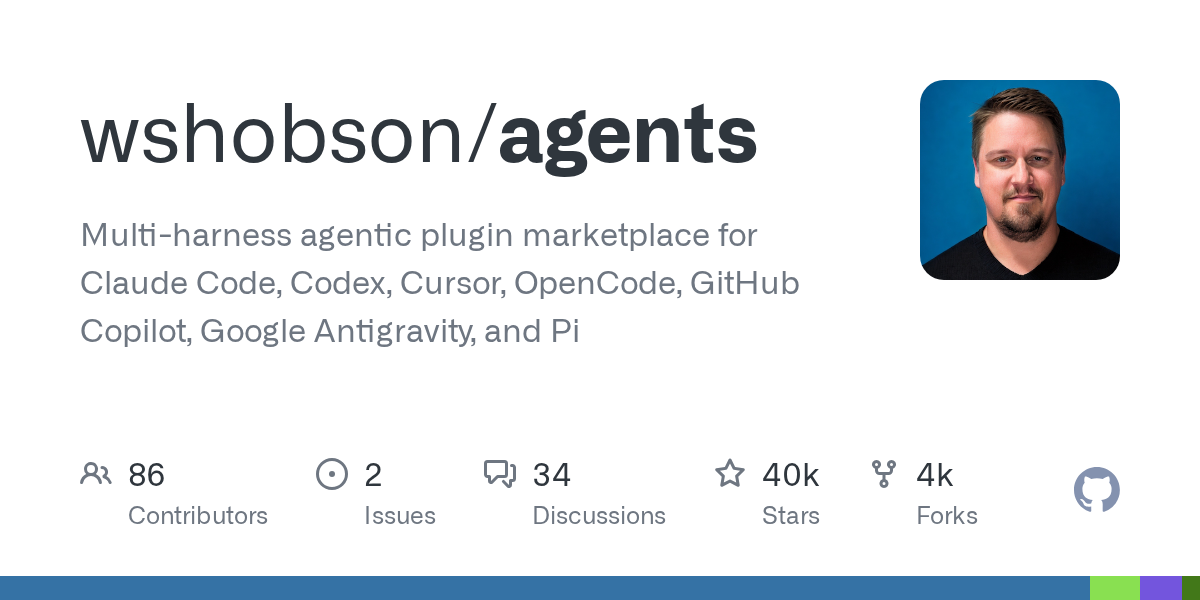
wshobson/agents: 94 plugins, 202 agents, 184 skills, a library of engineering skills to feed the six coding toolswshobson/agents:94 个插件、202 个智能体、184 项技能,一套能喂饱六种编码工具的工程技能库
Most skill packages only serve one tool. The design goal for this set is “a Markdown source file that runs simultaneously on Claude Code, Codex CLI, Cursor, OpenCode, Antigravity CLI, GitHub Copilot, and Pi.” The local part of the repository contains 94 plugins (plus 2 external entries), under which are 202 agents, 184 skills, and 105 commands covering Python and JavaScript development, code review, testing, cloud infrastructure, Kubernetes, security scanning, data engineering, payment, blockchain, document generation, incident response, and a whole host of other serious engineering scenarios. Mit license, 40,000 + stars.
大多数技能包只服务一个工具。这一套的设计目标是「一份 Markdown 源文件,同时在 Claude Code、Codex CLI、Cursor、OpenCode、Antigravity CLI、GitHub Copilot 和 Pi 上跑起来」。仓库里本地部分包含 94 个插件(另有 2 个外部条目),底下是 202 个智能体、184 项技能和 105 个命令,覆盖 Python 与 JavaScript 开发、代码审查、测试、云基础设施、Kubernetes、安全扫描、数据工程、支付、区块链、文档生成、事故响应等一大堆正经工程场景。MIT 许可,4 万+ star。
How it differs from general skill packs它和一般的技能包有什么不同
There are roughly two types of skill packs on the market: one is "small skill collection", which is equipped with fresh pictures; the other is "plug-in market that binds a certain tool", and another tool is obsolete.
This warehouse follows the third path: unify the source files of the components into Markdown, and then generate or adapt the corresponding installation form for each tool. In README, this is called multi-harness support - the same skill, presented in different tools in the way they are used to.
The practical meaning for individuals is that when you change the editor and change the CLI agent, you do not have to accumulate your own prompt words and workflow assets again.
More direct meaning to the team: the interior can be based on its structure, precipitating a set of engineering specification skills of its own team, and reusing across tools.
市面上的技能包大致两类:一类是「小技巧合集」,装了图个新鲜;一类是「绑定某个工具的插件市场」,换个工具就废了。
这个仓库走的是第三条路:把组件的源文件统一写成 Markdown,再针对每个工具生成或适配出对应的安装形态。README 里管这叫 multi-harness support——同一个技能,在不同工具里以各自习惯的方式呈现。
对个人的实际意义是:你换编辑器、换 CLI 智能体的时候,不用重新积累一遍自己的提示词和工作流资产。
对团队的意义更直接:内部可以基于它的结构,沉淀一套自己团队的工程规范技能,跨工具复用。
What's in it?里面到底有什么
Main development lines: python-development (Python, Django, FastAPI, testing and packaging), javascript-typescript (JS/TS development and project scaffolding), developer-essentials (code review, debugging, Git, test mode), security-scanning (security review, dependency checking, code scanning) - these four are the first entry-level plugins of README.
Infrastructure & O&M: cloud-infrastructure, kubernetes-operations, cicd-automation, observability-monitoring, incident-response, systems-programming.
Data and intelligence: data-engineering, llm-application-dev, llm-finetuning, agent-teams (this is especially worth seeing, which is to break the task into the orchestration layer of multiple specialized agents).
Product & Delivery: ui-design, frontend-mobile-development, documentation-generation, pptx-deck-creation, plugin-eval.
Industry directions: payment-processing, blockchain-web3, startup-business-analyst, reverse-engineering, framework-migration, review-agent-governance, dgx-spark-ops, protect-mcp, conductor.
开发主线:python-development(Python、Django、FastAPI、测试与打包)、javascript-typescript(JS/TS 开发与项目脚手架)、developer-essentials(代码审查、调试、Git、测试模式)、security-scanning(安全审查、依赖检查、代码扫描)——这四个是 README 首推的入门插件。
基础设施与运维:cloud-infrastructure、kubernetes-operations、cicd-automation、observability-monitoring、incident-response、systems-programming。
数据与智能:data-engineering、llm-application-dev、llm-finetuning、agent-teams(这个尤其值得看,是把任务拆给多个专精智能体的编排层)。
产品与交付:ui-design、frontend-mobile-development、documentation-generation、pptx-deck-creation、plugin-eval。
行业向:payment-processing、blockchain-web3、startup-business-analyst、reverse-engineering、framework-migration、review-agent-governance、dgx-spark-ops、protect-mcp、conductor。
How to pack (choose one according to your tool)怎么装(按你的工具选一条)
Claude Code: execute/plugin marketplace add wshobson/agents directly in the session to register the marketplace, and then execute/plugin install python-development @ claude-code-workflows to install the plugin. Once installed, you can use the plugin's scaffolding commands directly, such as/python-development: python-scaffold to create a FastAPI service with tests.
Codex CLI: Execute codex plugin marketplace add wshobson/agents in the terminal, and then codex plugin add python-development @ claude-code-workflows. Codex's native manifest exposes the source skills, generating TOML agents and commands that take separate paths.
Cursor: Also go to the plugin market to install it, and you will be brought with you a set of selected project rules.
OpenCode/Antigravity CLI/GitHub Copilot/Pi: Execute make install-opencode, make install-antigravity, make install-copilot, or make install-pi from the cloned repository. The command will generate the agents, skills, and commands required by the corresponding tool, and translate the tool permissions.
If you only want skills and don't want the whole plugin: README provides a skills-only installer, just pick your coding tool.
Claude Code:直接在会话里执行 /plugin marketplace add wshobson/agents 注册市场,再执行 /plugin install python-development@claude-code-workflows 装插件。装完之后可以直接用插件的脚手架命令,例如 /python-development:python-scaffold 创建一个带测试的 FastAPI 服务。
Codex CLI:在终端里执行 codex plugin marketplace add wshobson/agents,然后 codex plugin add python-development@claude-code-workflows。Codex 的原生清单暴露的是源技能,生成的 TOML 智能体和命令走单独的路径。
Cursor:同样走插件市场安装,会额外带上一套精选的项目规则。
OpenCode / Antigravity CLI / GitHub Copilot / Pi:从克隆的仓库里执行 make install-opencode、make install-antigravity、make install-copilot 或 make install-pi,命令会生成对应工具需要的智能体、技能与命令,并翻译工具权限。
如果你只想要技能、不想要整个插件:README 提供了一个 skills-only 安装器,选好你的编码工具即可。
Why it is recommended to use it as a “teaching material” and not just a “tool”为什么建议把它当「教材」而不只是「工具」
The real value of this repository is not the quantity, but the way it is organized: SKILL.md, agents, commands are placed under the plugin directory, and the permissions and tool mappings are tabulated separately (docs/harnesses.md has a complete comparison of model mappings, tool permissions, and hooks).
Based on this structure, you can write the specifications within the team - such as "how do we write database migration", "how do we publish", "how do we handle online alarms" - as isomorphic skills, and access any coding tool.
docs/plugins.md is a complete directory of 94 plugins, docs/usage.md gives commands and examples. If you want to quickly determine whether a plug-in value is worth installing, first scan these two documents for the fastest.
Being aware of its size also means a cost of ownership: a full pack is not recommended. Pick one or two plugins that are most relevant to your daily life (such as python-development or developer-essentials) and use them to expand.
这个仓库真正的价值不在数量,而在组织方式:插件目录下放 SKILL.md、agents、commands,权限与工具映射单独成表(docs/harnesses.md 里有模型映射、工具权限、hooks 的完整对照)。
照着这套结构,你可以把团队内部的规范——比如「我们怎么写数据库迁移」「我们怎么发版」「我们怎么处理线上告警」——写成同构的技能,接进任何一款编码工具。
docs/plugins.md 是完整的 94 个插件目录,docs/usage.md 给了命令与示例。想快速判断某个插件值不值得装,先把这两份文档扫一遍最快。
注意它的规模也意味着上手成本:不建议一次全装。挑一到两个跟你日常最相关的插件(比如 python-development 或 developer-essentials),用顺手了再扩。
Use reminder使用提醒
This site organizes resources from the GitHub open source repository wshobson/agents (mit license), for learning exchanges only. Some plugins in the repository will enable hooks and MCP configuration. Please read the README of the corresponding plugin before installation to confirm what actions it will perform and what credentials are required. The installation commands in this document are organized from the public documents of the project, and may change with the update of the version. Please refer to the latest README of the repository.
本站整理的资源来自 GitHub 开源仓库 wshobson/agents(MIT 许可),仅供学习交流。仓库中的部分插件会启用 hooks 与 MCP 配置,安装前请阅读对应插件的 README,确认它会执行哪些操作、需要哪些凭证。文中安装命令整理自项目公开文档,可能随版本更新而变化,请以仓库最新 README 为准。
⬇ Download · 点击下载:wshobson/agents 全量源码包(3.09MB)
取自 wshobson/agents main 分支,MIT 许可,含 94 个插件目录与全部 agents / skills / commands 的 Markdown 源文件,另有 docs 下的能力对照表
阅读与点赞数据保存在你的浏览器本地,欢迎留下你的想法。
 今日正能量学一点,用一点;今天种下的种子,会长成明天的能力。去免费下载专区 →广告
评论 文明发言,让讨论更有价值