Graphic tutorial: 3 minutes to load up Yoinks and change the video download from "Advertisement" to paste it into a carriage return图文教程:三分钟装好 Yoinks,把视频下载从「斗智斗勇斗广告」变成粘贴一下回车
Then do it again: → Paste the link in the package and → choose the clarity or pull the mp3 to → get the file. The whole process is completed in the terminal without touching any download station. About 3 minutes.
跟着做一遍:装包 → 粘贴链接 → 选清晰度或抽 mp3 → 拿到文件。全程终端里完成,不碰任何下载站。大约 3 分钟。
Step 1: Install第一步:安装
Verify the Node version: node -v needs to display v18 or higher, and the lower version needs to upgrade Node first.
Execute npm install -g yoinks to complete the installation; if you don't want to install it, you can try it first: npx yoinks works exactly the same.
you don't have to worry about yt-dlp and ffmpeg: yoinks will automatically download yt-dlp standalone binary to ~/.yoinks/bin on the first run, and ffmpeg will use the system's built-in pocket base if not.
确认 Node 版本:node -v 需要显示 v18 或更高,低版本先去升级 Node。
执行 npm install -g yoinks 完成安装;不想装可以先试运行:npx yoinks 效果完全一样。
yt-dlp 和 ffmpeg 都不用你操心:首次运行时 yoinks 会自动下载 yt-dlp 独立二进制到 ~/.yoinks/bin,ffmpeg 优先用系统的、没有就用内置兜底。
Step 2: Paste the link and select the format第二步:粘贴链接,选格式
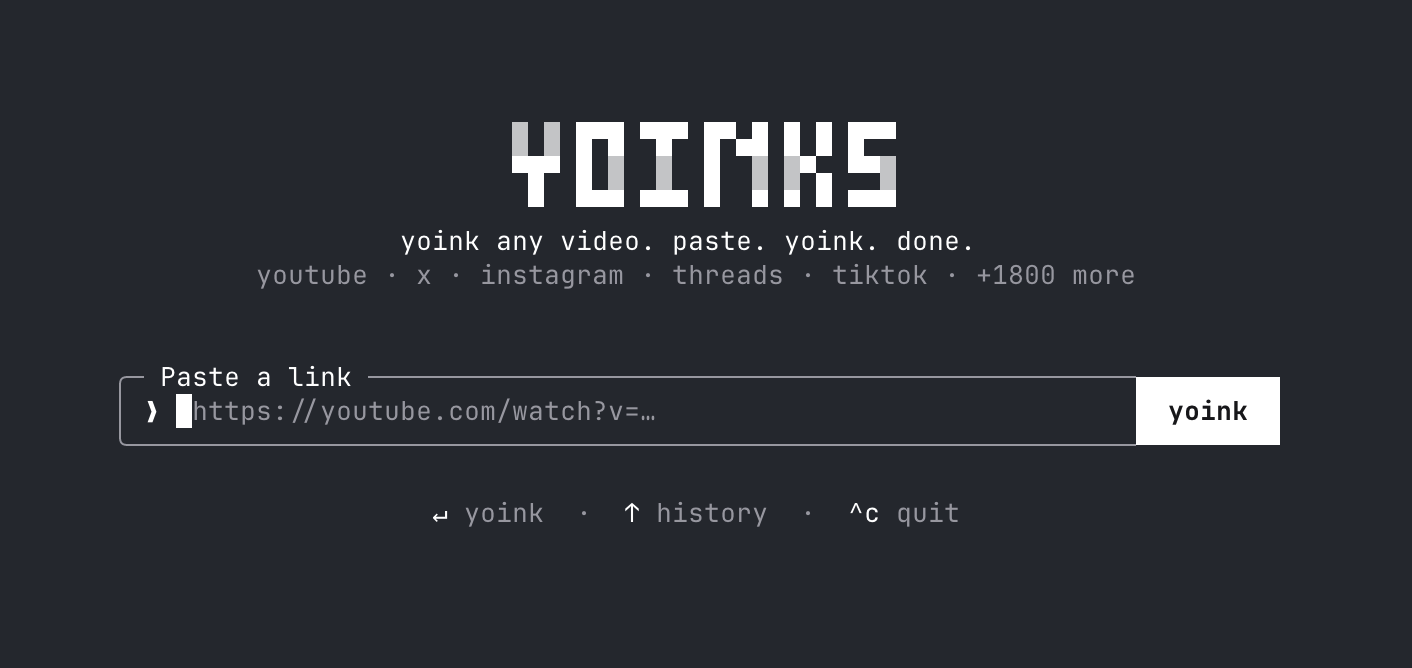
There are two ways to launch: direct yoinks https://video link skip input direct format selector; or naked yoinks into the homepage and paste the link.
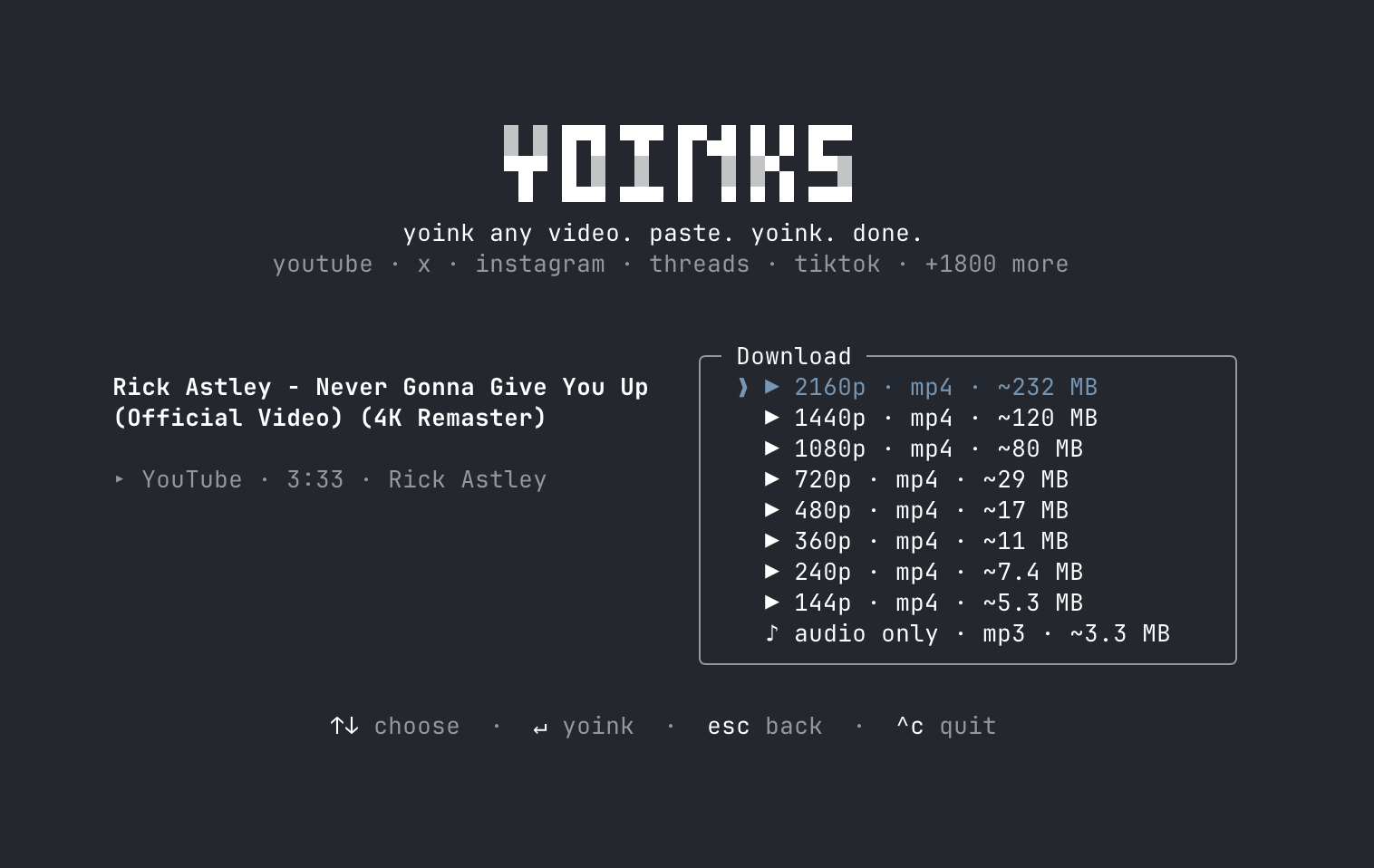
In the format selector, each file resolution is marked with an estimated file size. Use↑/↓(or j/k, numeric keys) to select it, and start downloading by car; as long as the audio is selected, the item "audio mp3 only" is selected.
You can use the mouse all the way: the download button and the format list can be clicked, esc returns to the previous step, Ctrl-C exits, and click the logo to return to the home page.
两种启动方式:直接 yoinks https://视频链接 跳过输入直达格式选择器;或者裸敲 yoinks 进主页再粘贴链接。
格式选择器里每档分辨率都标了预估文件大小,用 ↑/↓(或 j/k、数字键)挑选,回车开始下载;只要音频就选「仅音频 mp3」那一项。
全程可以用鼠标:下载按钮、格式列表都能点,esc 返回上一步,Ctrl-C 退出,点 Logo 回主页。
Step 3: Get the documents第三步:拿到文件
After the download is completed, the file falls in the ~/Downloads directory by default. The complete file path will be printed directly in the terminal, just open it as you like.
High-resolution video is automatically merged with ffmpeg, and mp3 is automatically extracted and encoded without any manual processing.
The interface theme follows the terminal: the default auto adaptive light and dark, Ctrl-T can be switched between auto/light/dark, and --theme light can be specified at startup.
下载完成后文件默认落在 ~/Downloads 目录,终端里会直接打印完整文件路径,照着打开就行。
高分辨率视频会自动用 ffmpeg 合并音画流,mp3 会自动抽取编码,不需要任何手动处理。
界面主题跟着终端走:默认 auto 自适应明暗,Ctrl-T 可在 auto/light/dark 间切换,--theme light 可在启动时指定。
FAQ常见问题
Can't get down to a certain site? The bottom layer of yoinks is yt-dlp, which is usually restored after a few days of upstream updates; you can also upgrade the native yt-dlp to reuse it first.
Want to change the download directory? In the terminal, cd to the target directory and then start yoinks, or pay attention to its Roadmap---o parameter is planned.
Reminder: Only download content that you have the right to save, and abide by the terms of service and copyright rules of each platform.
某个站点下不了?yoinks 底层是 yt-dlp,通常等几天上游更新就恢复;也可以自己升级本机的 yt-dlp 让它优先复用。
想改下载目录?在终端里 cd 到目标目录再启动 yoinks,或关注它的 Roadmap——-o 参数已在计划中。
再次提醒:只下载你有权保存的内容,遵守各平台服务条款与版权规则。
Use reminder使用提醒
This article is compiled from public sources and ships with the matching resource. Product features and pricing are subject to the official page. Resources are for learning and exchange only — please respect the original license.
本文整理自公开资料并附上配套资源;涉及产品的功能与价格以官方页面为准。资源仅供学习交流,请遵循来源许可。
⬇ Download · 点击下载:教程配套:Yoinks v0.3.1 npm 包(17KB)
官方 npm 包,npm install -g 后即可按教程步骤使用。
阅读与点赞数据保存在你的浏览器本地,欢迎留下你的想法。
 今日正能量学一点,用一点;今天种下的种子,会长成明天的能力。去免费下载专区 →广告
评论 文明发言,让讨论更有价值